
How to Sign In to Your Casigood Account
Signing in on the Casigood UK site opens your balance, the Cashbox, bonuses and bets. One account covers the casino and the sportsbook, on a computer and on a phone. It takes seconds: enter your email and password or tap a social button.

Signing In with Email and Password
Use the email and password you chose at registration.
Press Login
Click the white Login button in the top right corner, or the Login link in the sign-up window.
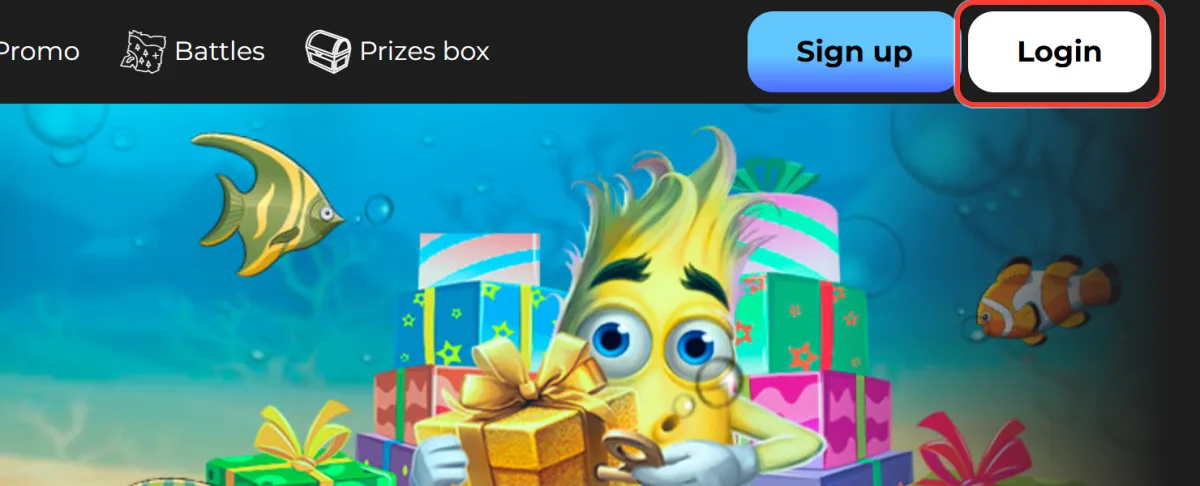
Open the Sign in window
The Sign in window appears over the page.
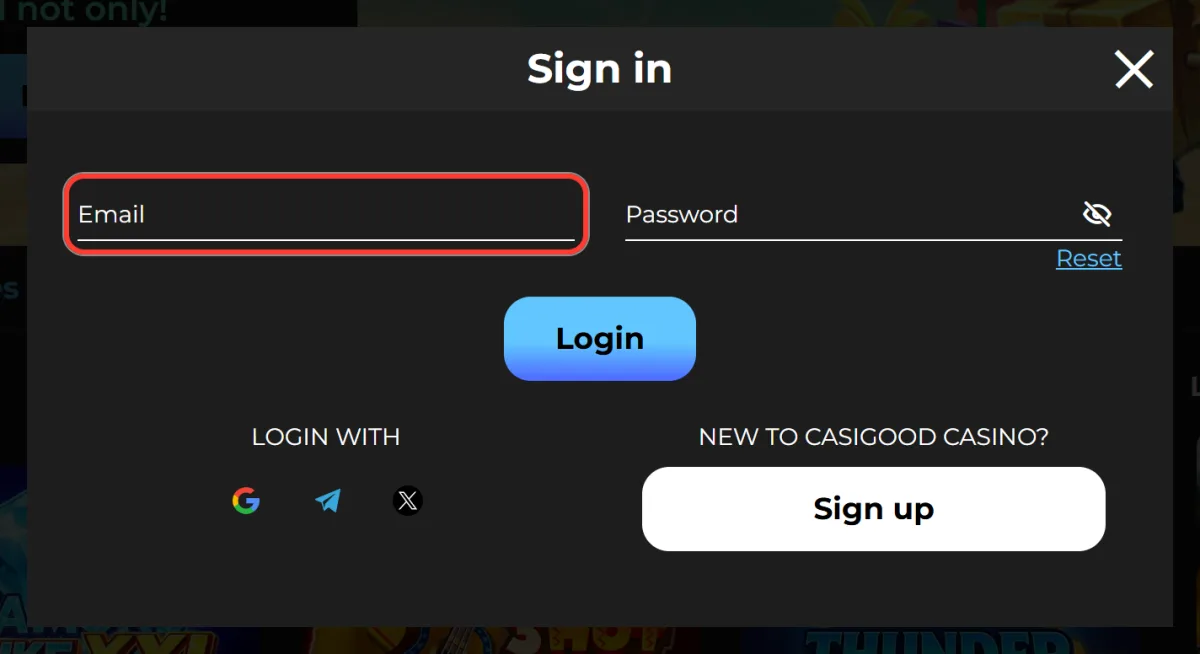
Enter your email
Type the Email you used when registering.
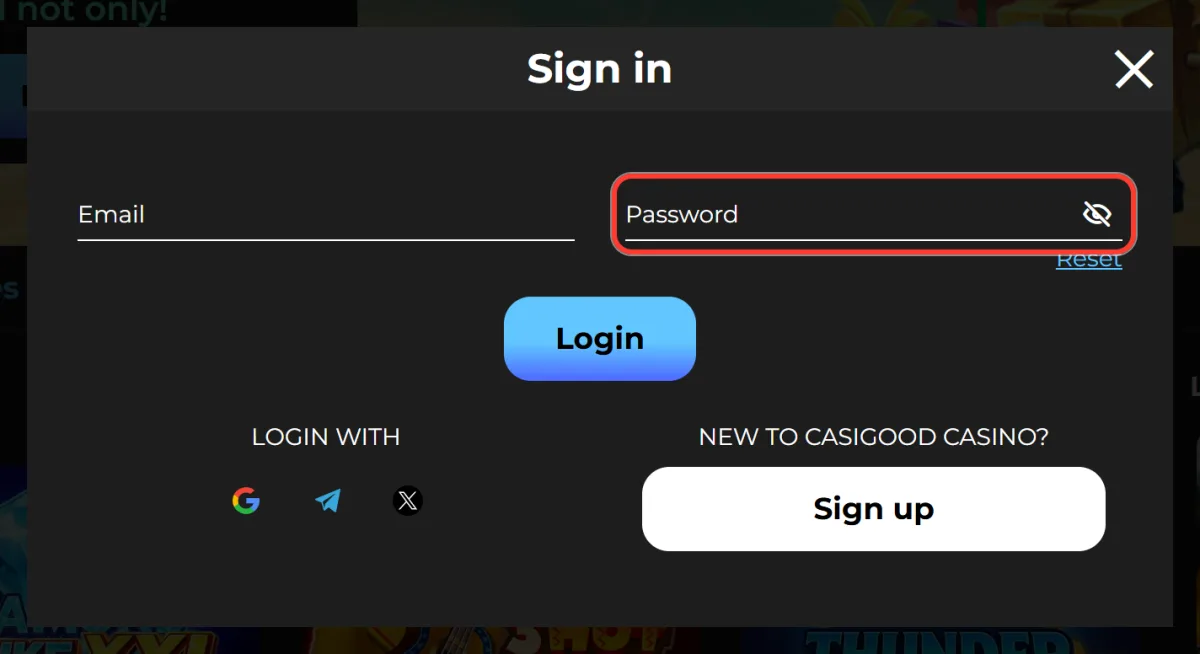
Enter your password
Type your Password in the second field.
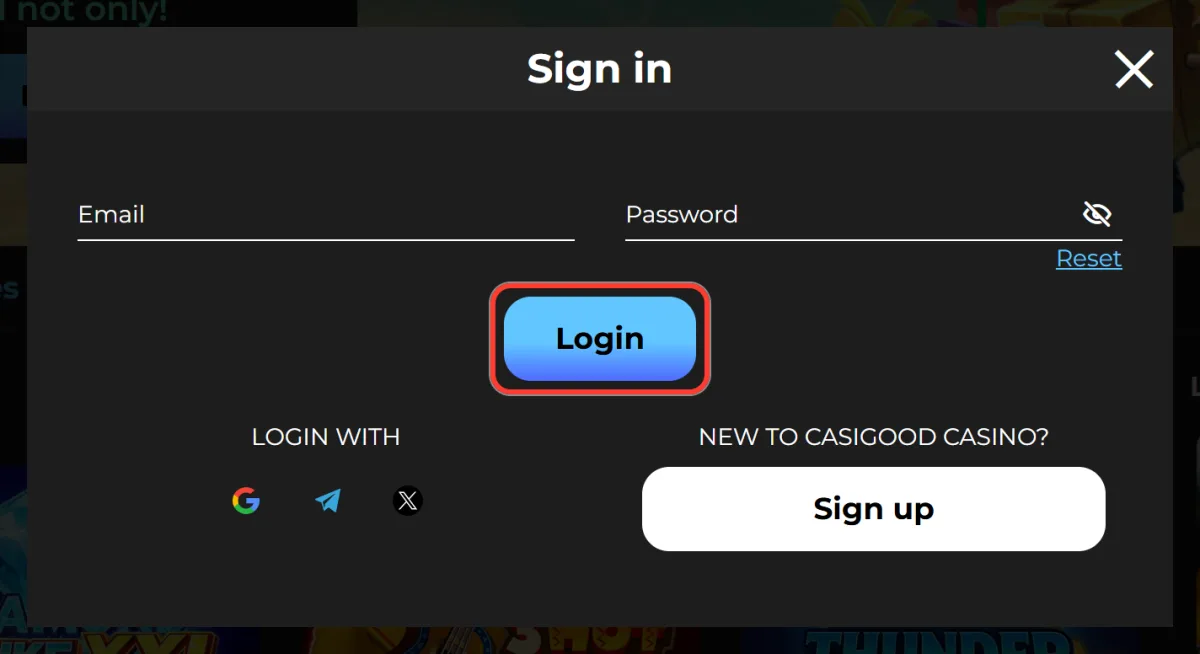
Press Login
Press Login to open your account.
No account yet? The Sign up link at the bottom of the Sign in window lets you create a Casigood account.
Signing In via Google, Telegram or X
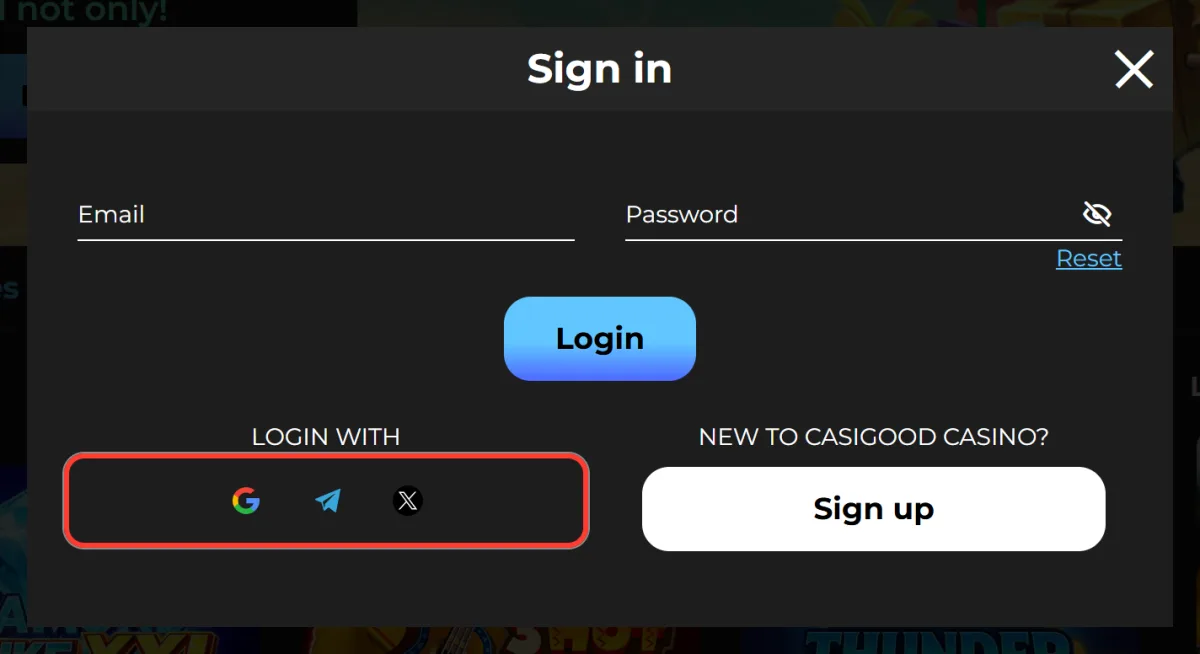
The Sign in window has a Login with block: one click through Google, Telegram or X (Twitter), with no password typed on the site.
- Open the Sign in window.
- Pick the Google, Telegram or X button.
- Confirm the login in the service's window.
Use the same method you used to create the account, otherwise you may land in a different profile. The safety of this login depends on how well your Google, Telegram or X account is protected, so keep that account secure too.
Resetting a Forgotten Password
Forgot your password? Reset it from the Sign in window.
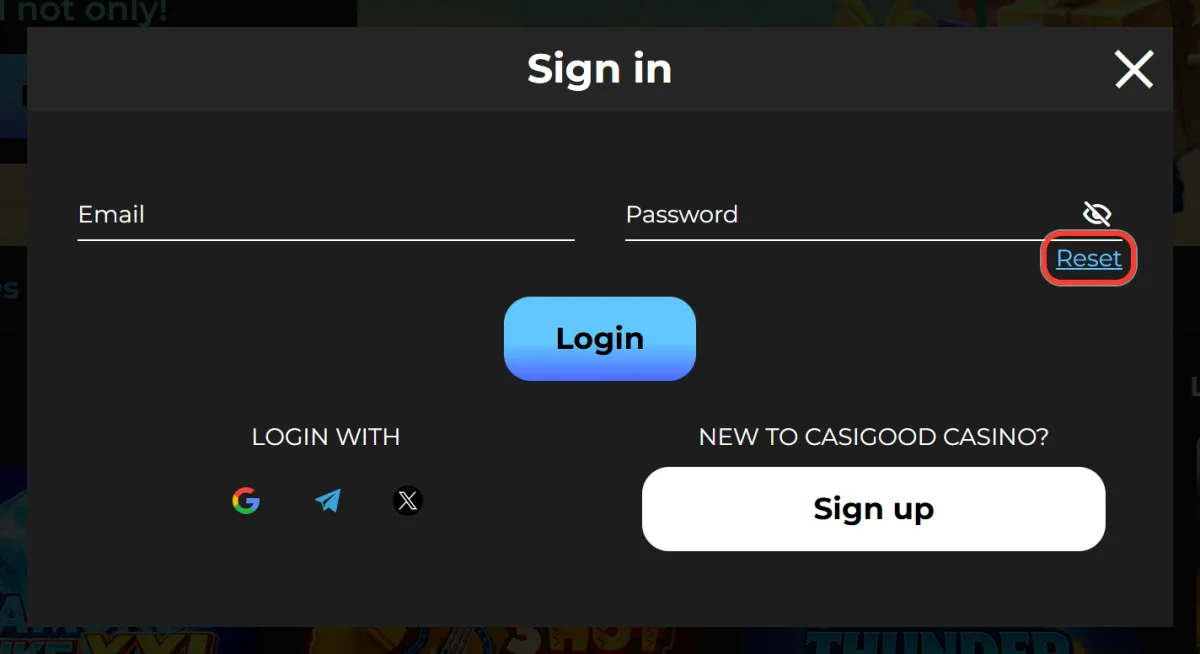
Press Reset
Open the Sign in window and press Reset under the password field.
Enter your email
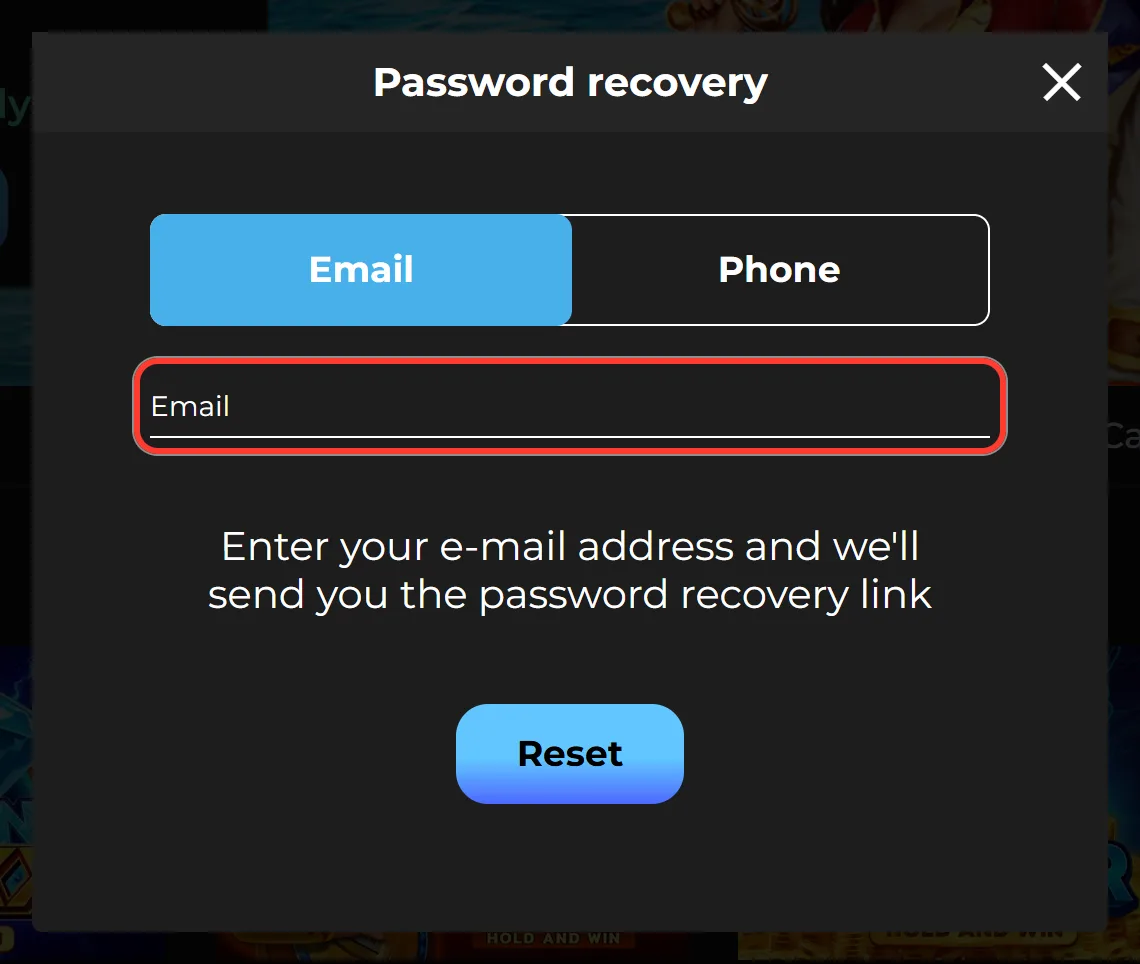
In the Password recovery window, type your registration email. A Phone tab next to Email lets you reset by phone number instead.
Send the request
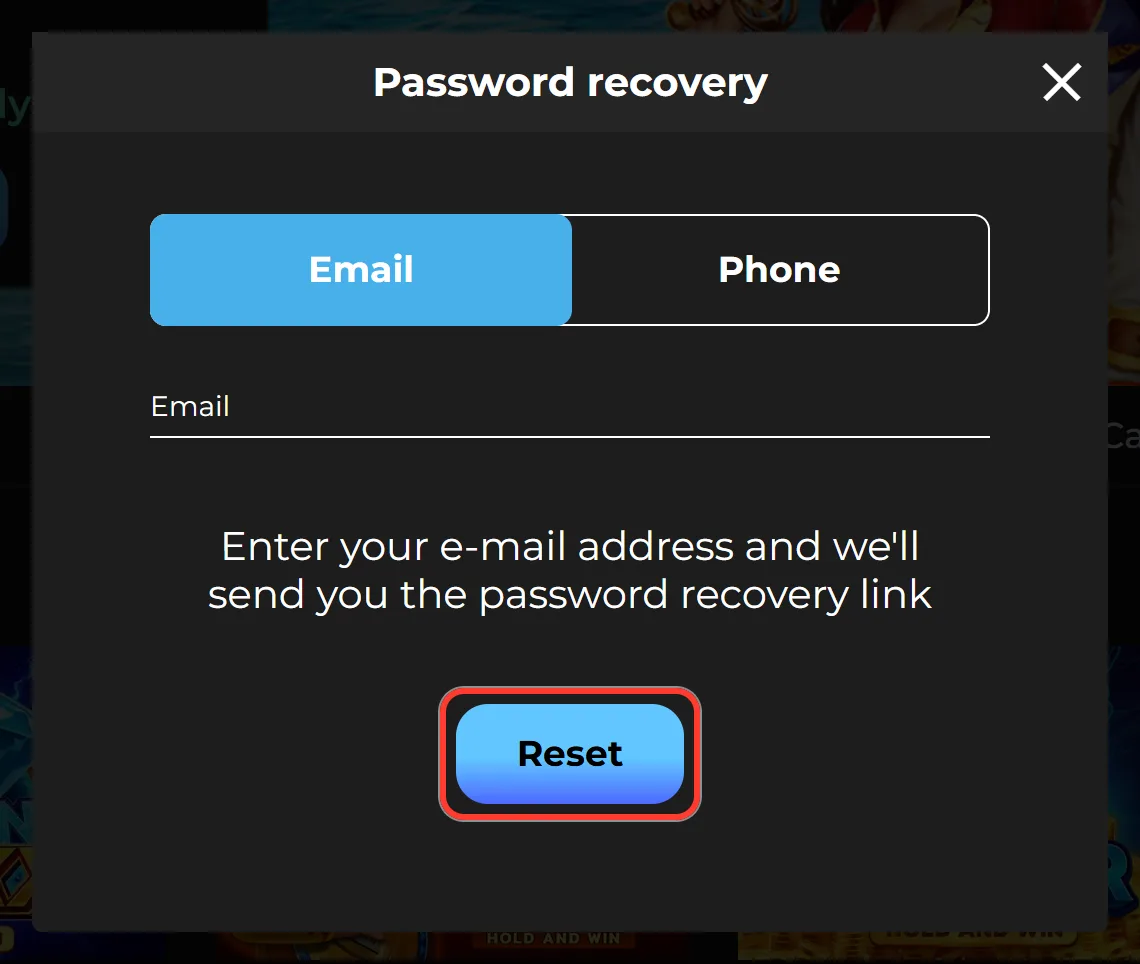
Press Reset to get the password recovery link.
Open the letter
Follow the instructions in the email. Nothing arrived? Check Spam.
Set a new password
Choose a new password of 6 to 32 characters and sign in with it.
Login Problems and How to Fix Them
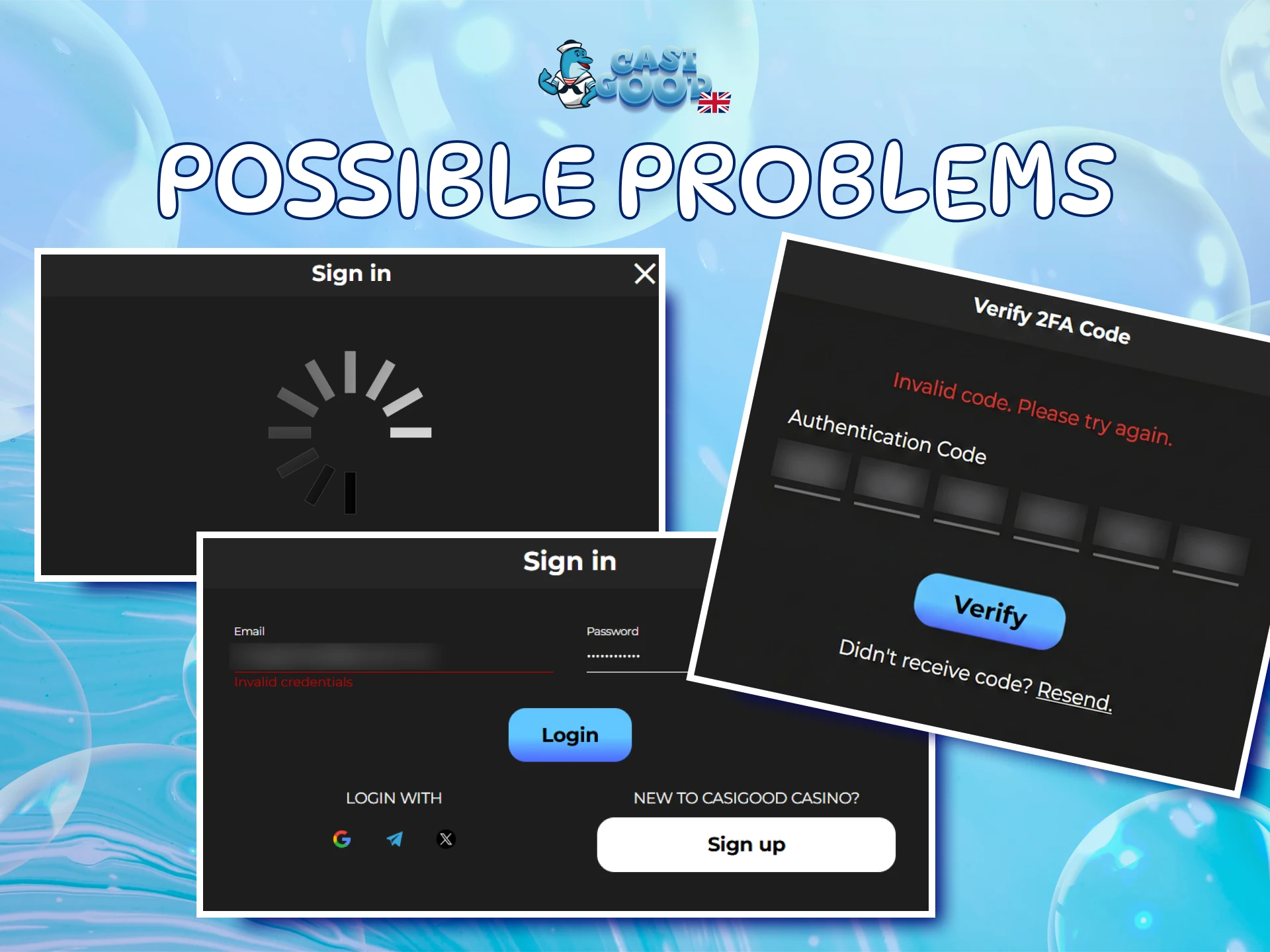
Most sign-in issues have a simple fix:
| Problem | What to do |
|---|---|
| Wrong email or password | Check the keyboard layout and Caps Lock, or use Reset. |
| No reset email | Look in Spam and check the address you entered. |
| Page or Sign in window will not load | Refresh, clear the cache, enable cookies or try another browser. |
| Social login opens the wrong account | Log out and sign in with the method you registered with. |
| "Not available in your region" page | Access is closed in some countries, see the FAQ below. |
| You forgot which email you used | Contact support. |
Contacting Casigood Support
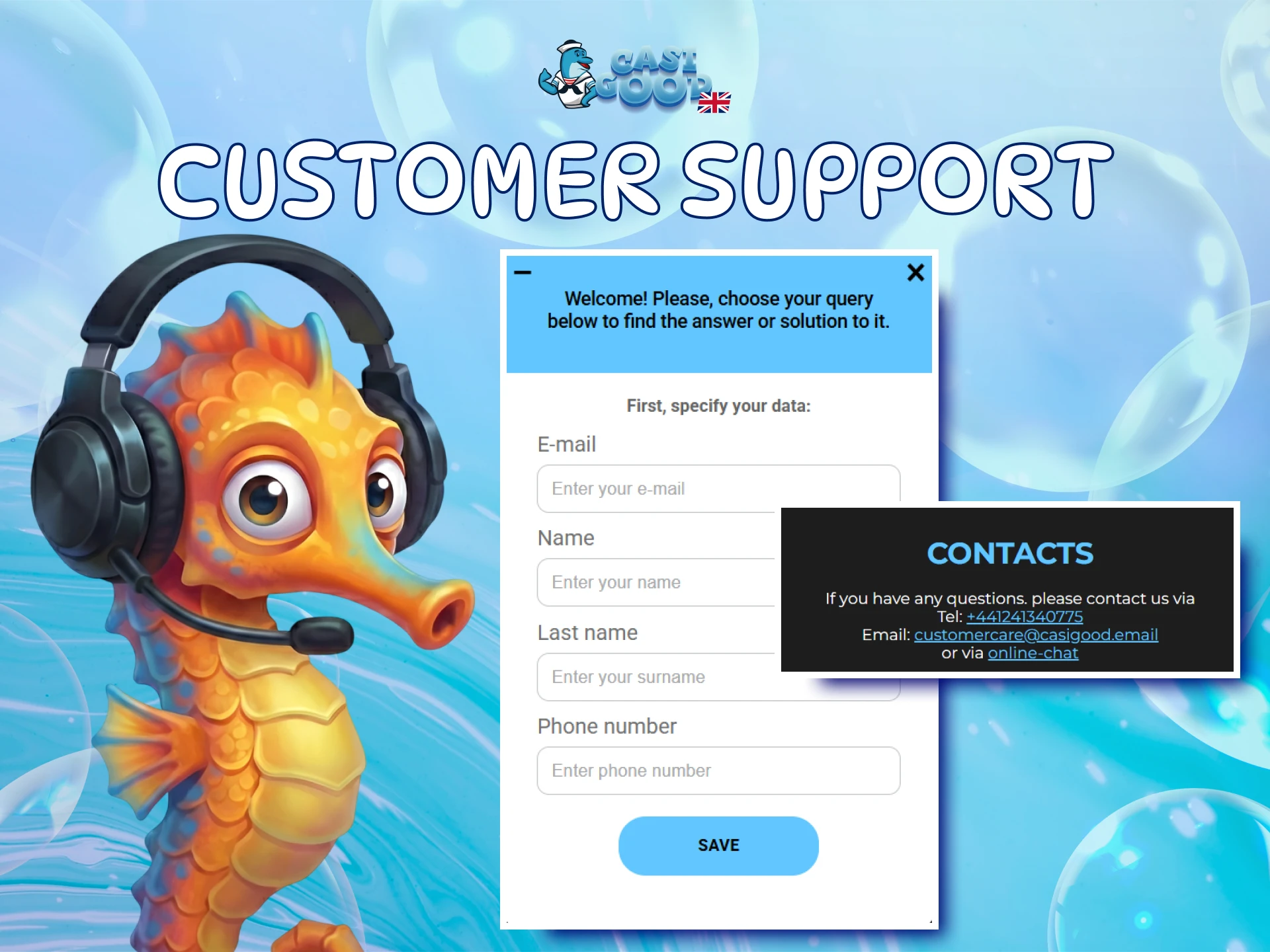
If the table does not solve it, reach support through any of these channels:
| Channel | Contact | Best for |
|---|---|---|
| Online Chat | Button on the right of every page | Quick questions and access issues |
| [email protected] | Detailed requests and complaints | |
| Phone | +44 1241 340775 | Talking to an agent |
The FAQs section covers Account, Cash transactions and Verification. Complaints go to support first, and if needed you can then file an official claim.
Signing In on Your Phone
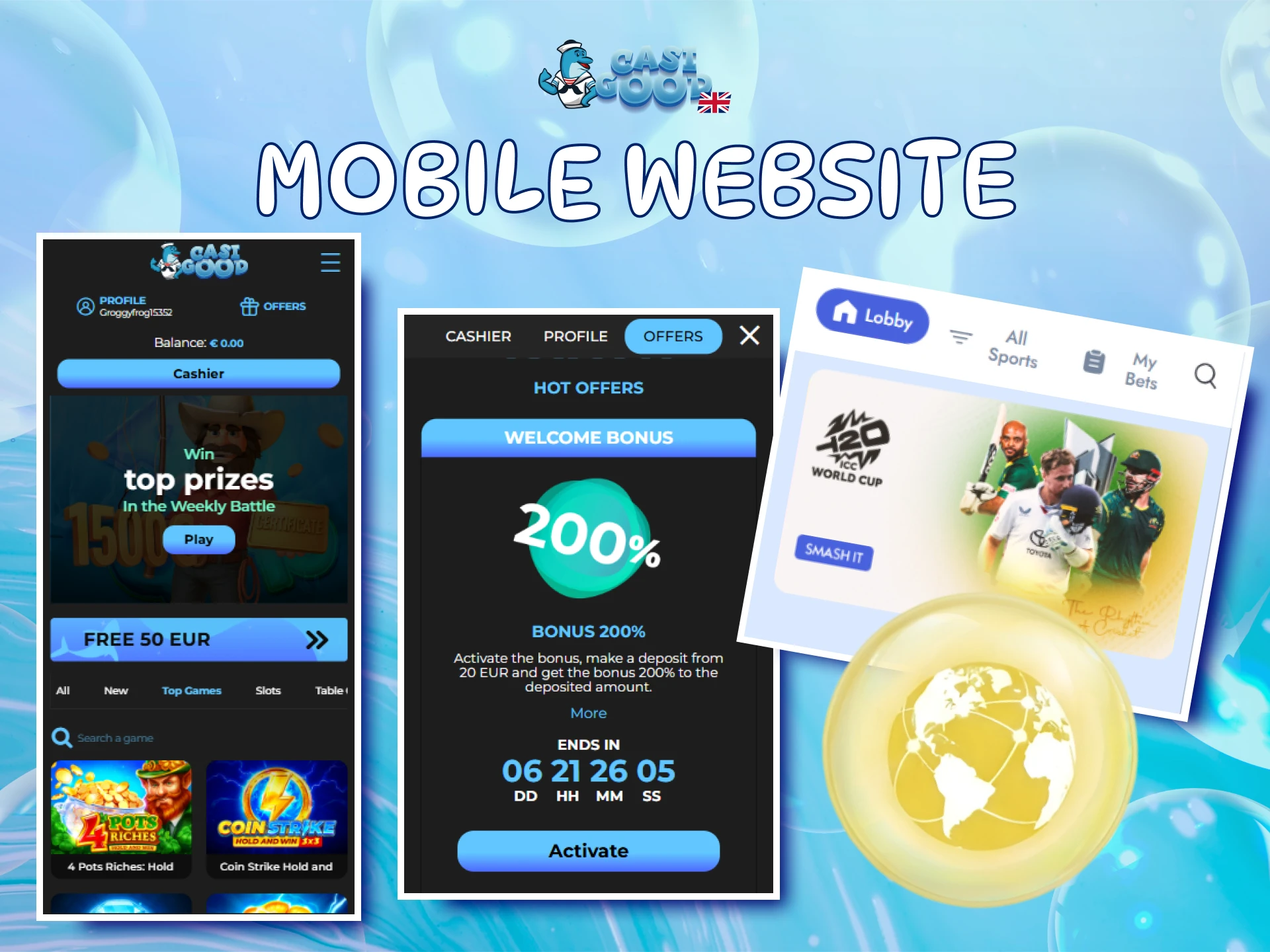
There is no separate app to download: you sign in through your mobile browser, Safari on iPhone or Chrome on Android. The Sign in window is the same as on a computer.
- Open the site in your browser.
- Tap Login in the top right corner.
- Enter your email and password, or use Google, Telegram or X.
You can also add the site to your home screen and open it like an app. The shortcut steps are in our guide to the Casigood web app.
Keeping Your Account Secure
A few habits keep your account safe:
- Use a unique password that you do not use on other sites.
- On a shared or someone else's device, do not save the password in the browser, and log out after playing.
- Never share your login details: the rules allow one account per person.
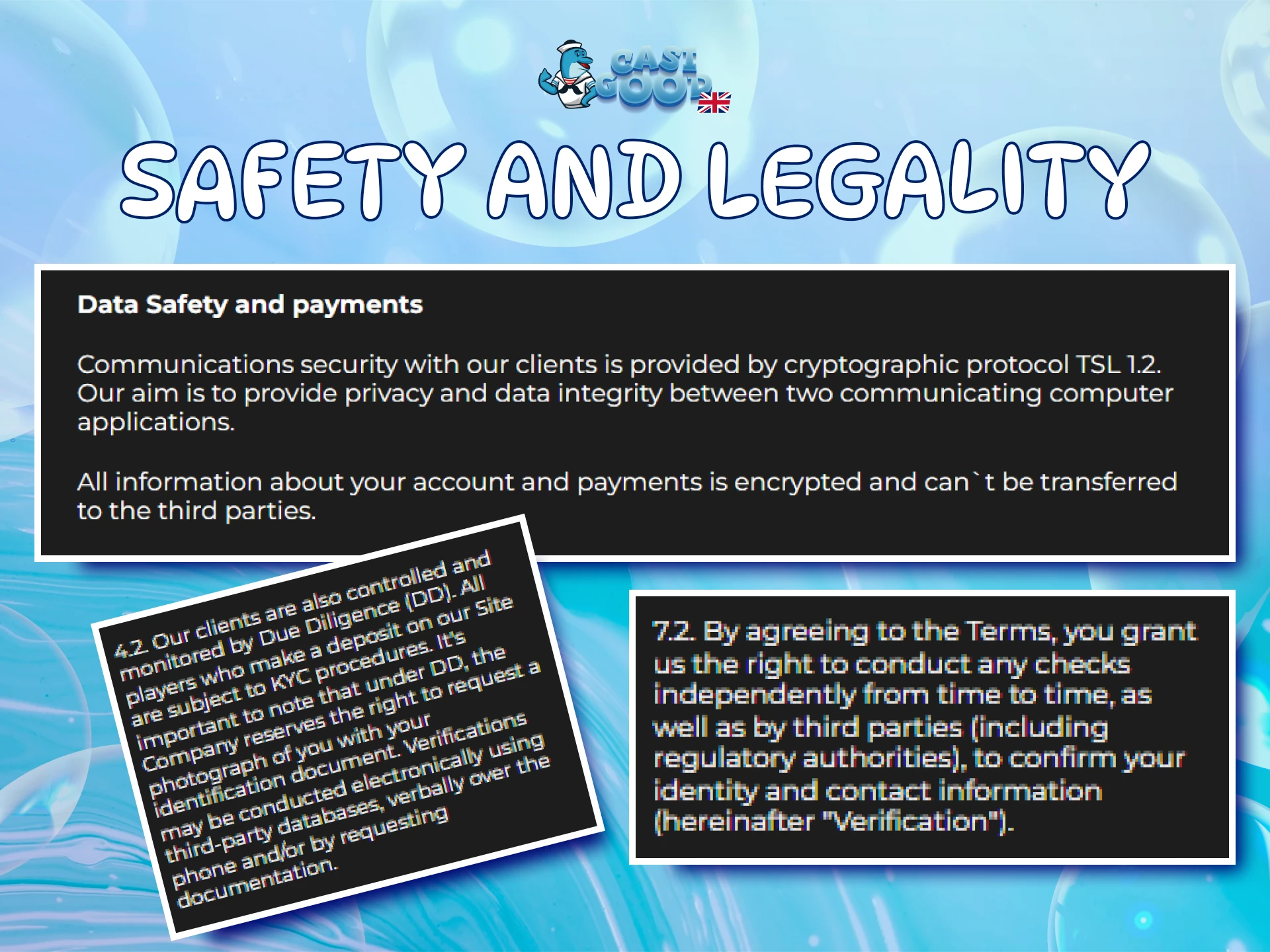
The connection to the site is protected with TLS 1.2, and payment data is encrypted, as the Privacy Policy states. If you suspect someone else has signed in, change your password through Reset and write to support straight away.
Frequently Asked Questions About Signing In
Can you use one Casigood account for casino games and sports betting?
Yes. The same login opens both Games and Sport, so there is no need to register twice.
Do you need a verified account to sign in?
No. You can sign in right after registration. Confirmed email and phone are needed later, when you want to request a withdrawal.
Can you change the email address you sign in with?
Only through support. The email cannot be edited in the profile, so message the team in Online Chat and ask for the change.
Can you stay signed in on two browser tabs at once?
The Terms and Conditions allow play in one browser tab only. Keep a single tab with the site open to avoid problems with your session.
What happens to an account you have not used for a long time?
After 180 days without activity, a fee of €5 per month is charged. If you plan a long break, withdraw your balance first.
Why might the site not open when you travel abroad?
Access to Casigood is closed in a number of countries. From those regions you see a page saying the site is not available in your region. It opens again once you are back in the UK.
Taking a Break or Closing Your Account
Breaks and account closure are handled by support, not in the account settings. For self-exclusion, write to Online Chat: it is set for 30 days, and the account is blocked after a call from a personal manager.
To close your account, send a request to support. Withdraw any remaining balance before you do.
Updated: