
Casigood App for Android and iPhone: Play in Your Browser, No Download
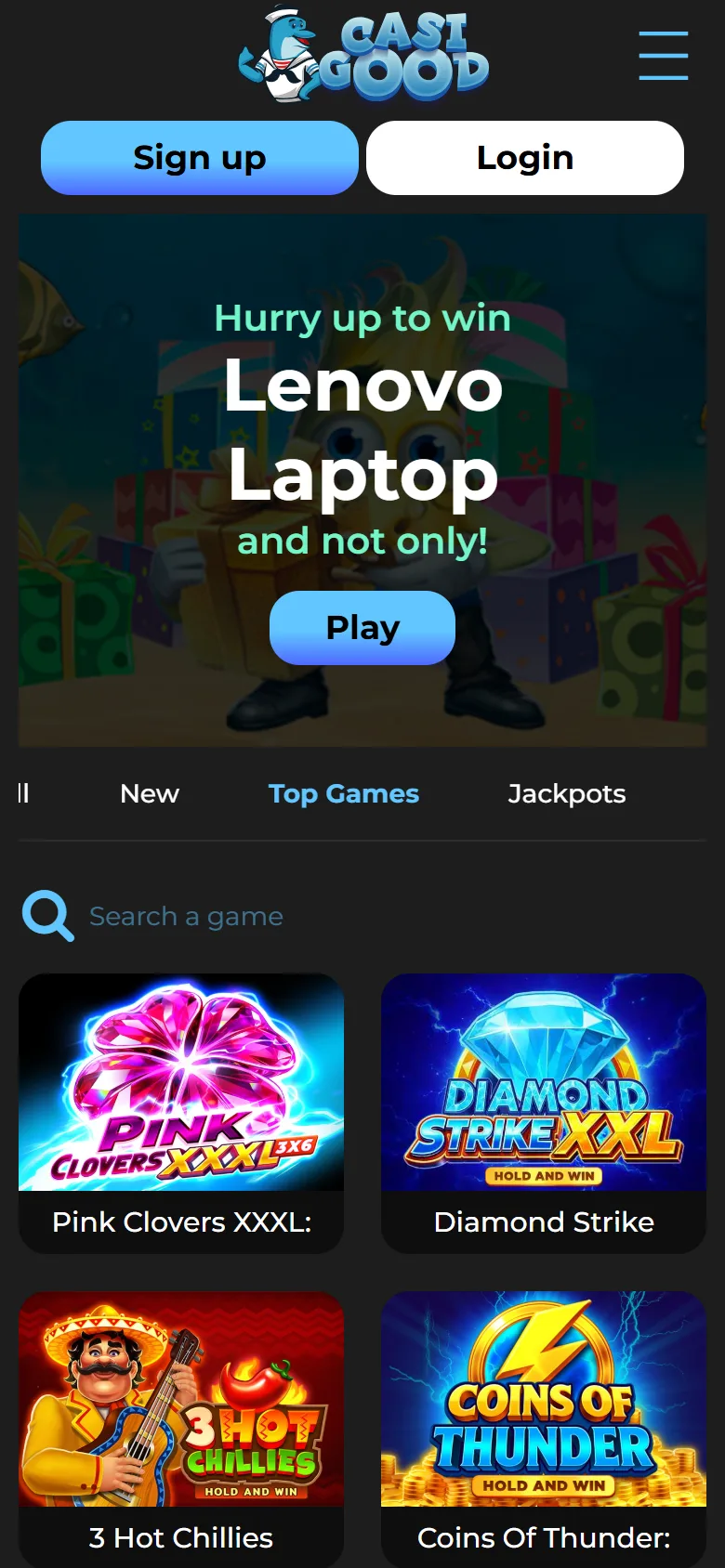
There is no Casigood app to install. Every game on the Casigood site runs in browser mode, so United Kingdom players open the site on a phone or tablet, log in and play straight away. Nothing is downloaded, nothing needs updating, and the mobile version carries the full sportsbook, casino, live tables and Cashier.
If you want an app style icon, both iOS and Android can pin Casigood to your home screen in a couple of taps. New users still get the full welcome package: 200% from EUR 20, 150% from EUR 100 or 125% from EUR 200, all on x40 wagering and capped at EUR 1,000.
Main Information about Casigood on Mobile
Casigood works as a mobile site rather than a downloadable application, which means United Kingdom players get the same sportsbook and casino on Android and iOS without installing anything.
| Feature | Details |
|---|---|
| Format | Browser based play, no app and no APK file |
| Home screen icon | Yes, added from Safari on iOS or Chrome on Android |
| Storage used | None beyond the normal browser cache |
| Updates | Automatic, you always open the current version of the site |
| Cost | Free to use |
| Category | Online casino and sports betting |
| Supported systems | Any device with a current browser: Android, iOS, Windows, macOS |
| Available in United Kingdom | Yes, for players aged 18 and over |
| Currencies supported | EUR, USD, RUB |
| Payment methods | Visa, Mastercard, Bitcoin and other cryptocurrencies |
| Welcome package | Up to 475%: 200% from EUR 20, 150% from EUR 100, 125% from EUR 200, all x40 |
| Support | Online chat on every page and [email protected] |
This overview helps you confirm that mobile play suits your device and location before you sign up.
Interface of Casigood on Mobile
Add Casigood to Your Android Home Screen in 4 Steps
Chrome on Android can pin Casigood to your home screen so it opens full screen, like an app, without the browser bar. Nothing is installed from a file and no permissions are requested.
After you do this once, you can open Casigood from your home screen whenever you want to bet or play.
Open Casigood in Chrome
Open the Casigood site in Chrome on your Android phone or tablet and wait for the lobby to load.
Use the button on this page so you land on the official site.
Tap the three dot menu
Tap the three dot icon in the top right corner of Chrome to open the browser menu.
This is where Chrome keeps the shortcut option.
Choose Install app
Select Install app. On older Android versions the same option is called Add to Home screen.
Chrome will show you the icon and the name it is about to create.
Confirm and open it
Shorten the name if you want, tap Add, then open the new icon from your home screen.
The shortcut always loads the current version of the site, so there is nothing to update later.
Casigood on Android
Casigood runs in browser mode on Android, so you can bet, spin slots and manage payments from one mobile screen without installing anything. There is no APK file to look for and no unknown sources setting to change.
The steps for adding a home screen shortcut are explained above and take under a minute.
What You Need on Android
Because Casigood runs in the browser, the requirements are those of Chrome itself rather than of an installed application.
| Requirement | What is needed |
|---|---|
| Browser | Chrome, or any current Android browser |
| Free storage | None for the site itself, only browser cache |
| Internet connection | Stable mobile data or Wi-Fi |
| Permissions | None requested, no unknown sources setting to enable |
| Account | One Casigood account, shared with desktop |
Any Android phone that runs a current browser smoothly will handle the casino lobby and live tables.
Android Devices That Work Well
Because there is nothing to install, Casigood works on effectively any Android phone or tablet with an up to date browser. Mid range and flagship models used in the United Kingdom all run the lobby comfortably.
Tested examples include:
- Samsung Galaxy S21, S22, S23
- Samsung Galaxy A54
- Google Pixel 6, 7, 8
- Google Pixel 6a, 7a
- OnePlus 10, 11
- Xiaomi Redmi Note 11, 12
- Xiaomi 12 and 13 series
- Motorola Moto G62, G73
- Sony Xperia 10 V
- Realme 9, 10 Pro
Older handsets still work; live dealer streams simply need a steadier connection.
Add Casigood to Your iPhone Home Screen in 5 Steps
There is no Casigood app in the App Store. On iPhone and iPad you play through Safari, and you can add a home screen icon that opens the site directly. It takes five short actions.
Open Casigood in Safari
Open the Casigood site in Safari on your iPhone or iPad. Other browsers cannot create the shortcut, so use Safari for this step.
Tap the Share icon
Tap the Share icon at the bottom of the screen, the square with an arrow pointing up.
Choose Add to Home Screen
Scroll the share sheet and select Add to Home Screen. If you cannot see it, tap Edit Actions and switch it on.
Name the shortcut and add it
Shorten the name to something like Casigood, then tap Add in the top right corner. The icon appears on your home screen straight away.
Open it and sign in
Tap the new icon, log in or register, then set your limits and start betting or playing casino games.
Casigood on iPhone and iPad
Casigood runs in Safari on both iPhone and iPad, free of charge and with no App Store download. You get the full site experience, including sports, casino, live tables and the Cashier, in one browser tab.
Nothing is stored on the device beyond the browser cache, so the shortcut takes up no meaningful space and never needs updating.
What You Need on iPhone and iPad
On iOS the requirements come down to Safari and a working connection, since there is no application to install.
| Requirement | What is needed |
|---|---|
| Browser | Safari, needed for the Add to Home Screen shortcut |
| Free storage | None for the site itself, only browser cache |
| Internet connection | Reliable mobile data or Wi-Fi |
| App Store account | Not required, nothing is downloaded |
| Account | One Casigood account, shared with desktop |
Any iPhone or iPad running a current version of iOS will load the casino and sportsbook without issues.
iOS Devices That Work Well
Casigood works on recent generations of Apple phones and tablets, giving you a stable mobile betting and casino experience in Safari.
Tested models include:
- iPhone X, XR, XS, XS Max
- iPhone 11, 11 Pro, 11 Pro Max
- iPhone 12, 12 mini, 12 Pro, 12 Pro Max
- iPhone 13, 13 mini, 13 Pro, 13 Pro Max
- iPhone 14, 14 Plus, 14 Pro, 14 Pro Max
- iPhone 15, 15 Plus, 15 Pro, 15 Pro Max
- Recent iPad and iPad Pro generations
Older devices work too, as long as Safari is up to date.
Registration from Your Phone
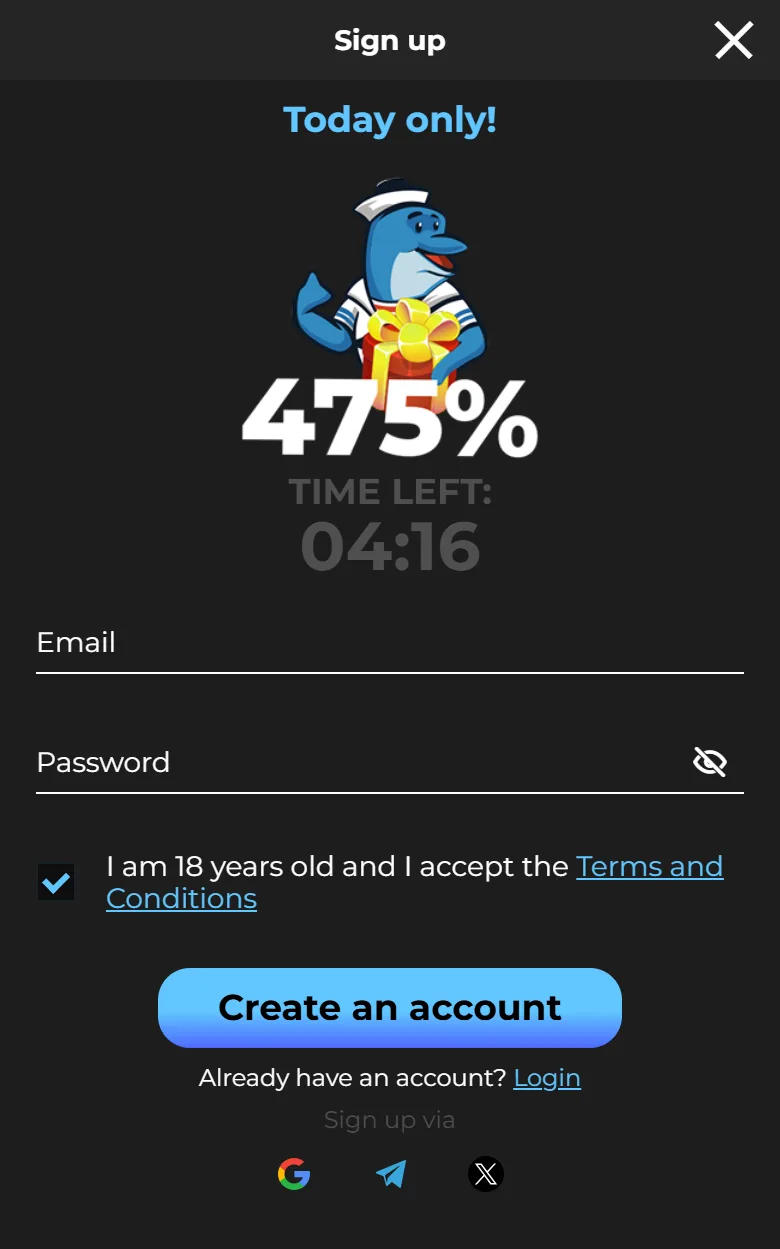
Signing up from a mobile browser takes about a minute and is open to United Kingdom players aged 18 or over. The form asks for an email address and a password, nothing more.
- Open the site: Open Casigood in Chrome or Safari on your phone or tablet.
- Tap Registration: Tap Registration in the top right corner to open the sign up window.
- Enter your email and password: Type the email address you want to use and create a password. The eye icon lets you check what you typed.
- Confirm you are 18: Tick the box confirming your age and acceptance of the terms, then press Create account. Google, Telegram and X sign up work here too.
- Confirm your contacts: Confirm your email from the message you receive, then add and confirm your phone number with the code from the SMS.
Nothing to Update
Because Casigood runs in the browser, there is no version to keep track of. Every time you open the site or the home screen shortcut you load the current build, with the latest markets, games and security fixes already in place.
If a page looks stale or a game will not load, the fix is usually one of these:
- Pull down to refresh the page.
- Clear your browser cache for the site.
- Check that your browser itself is up to date.
- Switch between mobile data and Wi-Fi to rule out the connection.
If the problem stays, online chat or [email protected] can check the account from their side.
Welcome Bonus for Newcomers on Mobile
New users get the same welcome package on mobile as on desktop, and you can choose between a casino offer and a sports offer.
The casino side has three tiers: 200% from a EUR 20 deposit, 150% from EUR 100 and 125% from EUR 200, each with x40 wagering. The sports bonus matches 200% from a EUR 40 deposit with x35 wagering. Every offer caps the bonus at EUR 1,000, limits bets to EUR 2 while you wager and runs for 7 days.
Activate the offer you want on the promotions page first, then make the qualifying deposit in a single payment. A bonus activated after the deposit will not be credited.
Easy Steps to Start Betting on Mobile
Placing your first sports bet from a phone takes only a few steps, and none of them differ from the desktop site apart from the layout.
- Log in: Sign in to Casigood in your mobile browser, or from the home screen shortcut if you added one.
- Deposit funds: Open the Cashier and pay in with Visa, Mastercard or cryptocurrency. Activate a bonus first if you want one on this payment.
- Pick a sports event: Open the Sports or Live section and choose a match.
- Select a betting market: Choose a market, such as Match Result or Over/Under, and tap the odds to add it to the bet slip.
- Confirm your stake: Enter the amount, check the potential return and confirm the bet.
- Collect your winnings: Wait for the event to settle, then place new bets or request a withdrawal once your last deposit has been turned over three times.
Casigood Mobile Website Version
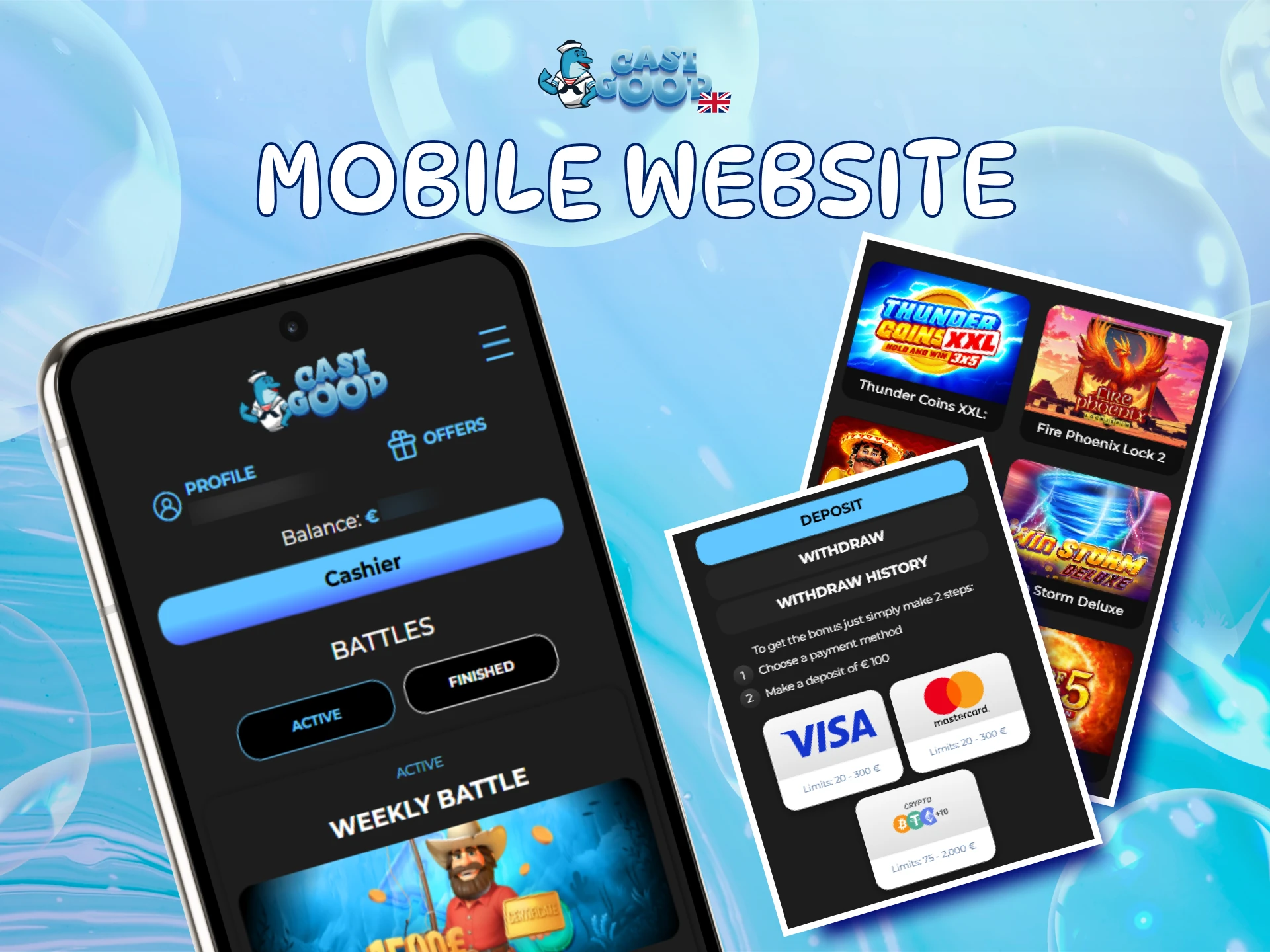
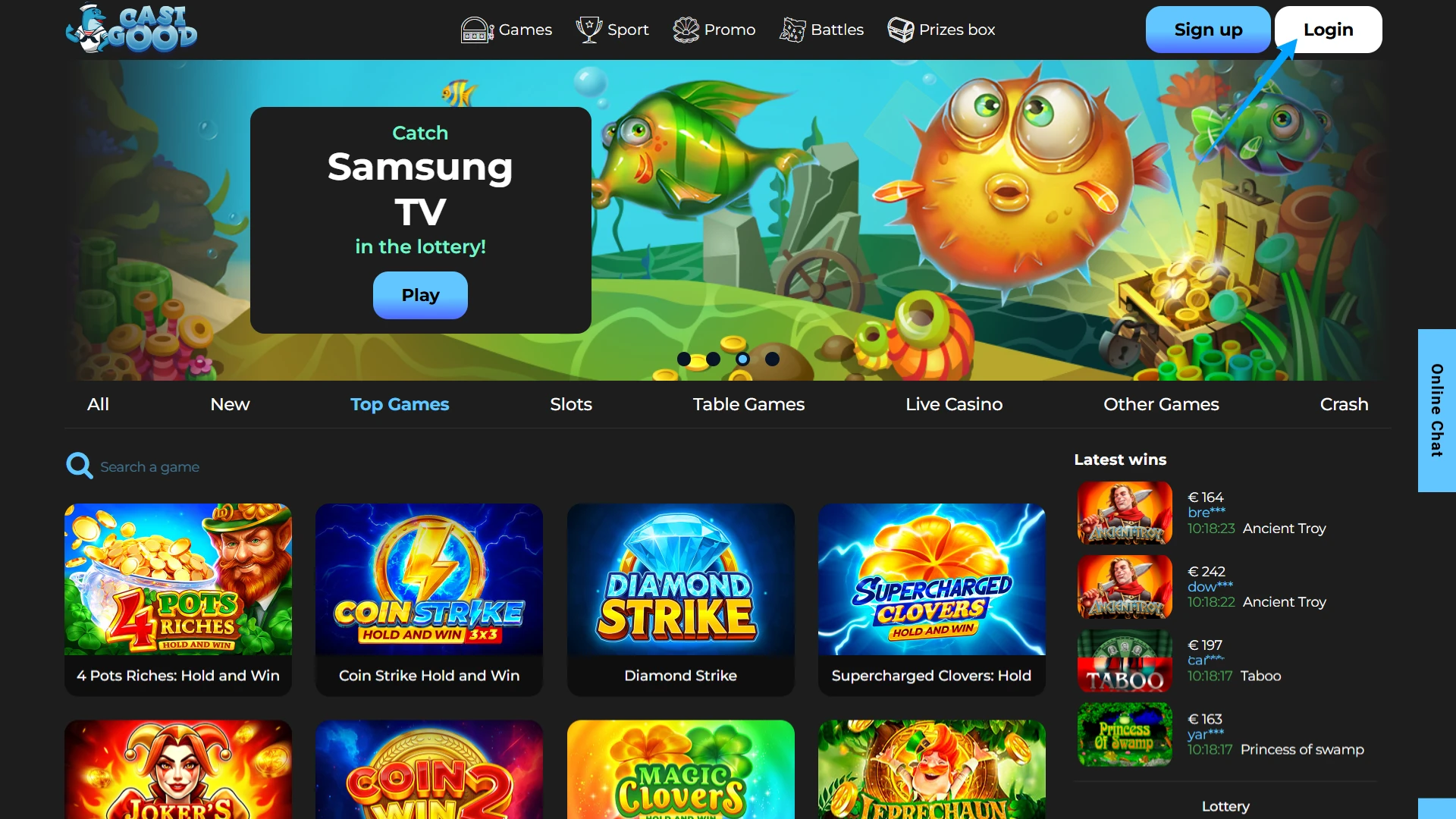
The Casigood mobile site works on almost any smartphone or tablet browser and needs no installation. You visit the site, log in and reach the same betting and casino sections you use on desktop.
You can place bets, play slots, activate bonuses and manage payments directly in the browser, and your balance, bet history and bonus progress stay in one account across every device.
Home Screen Shortcut vs Browser Tab
Both open the same Casigood site. The difference is how you get there and how the page is framed on screen.
| Feature | Home screen shortcut | Browser tab |
|---|---|---|
| Start up | Opens from an icon in one tap | Open the browser, then the bookmark or address |
| Screen space | Full screen, no address bar | Address bar and tabs stay visible |
| Login | Stays signed in on your own device | Depends on browser and cookie settings |
| Tabs | Runs on its own, nothing else competing | Can slow down when many tabs are open |
| Updates | Automatic | Automatic |
| Features | Identical | Identical |
The shortcut suits daily play, while a browser tab is fine if you only drop in occasionally.
Sports You Can Bet On from Mobile
The sportsbook covers a wide range of sports so you can find value both before the event and in play. You can bet in Live and Line modes, using single, accumulator and system bets, and cash out early when the option is offered.
Each sport has its own page with markets, results and settlement rules. Data can appear with a short delay, so check the score before you confirm a live stake.
Sports covered include:
- Football
- Cricket
- Basketball and 3×3 basketball
- Tennis
- Boxing
- American football
- Australian rules football
- Baseball
- Badminton
- Beach volleyball
- Bowls and athletics
This range lets you build varied betting strategies from one mobile browser.
Casigood Casino on Mobile
The casino section lets you move from sports to slots and table games in a tap. Titles come from a long list of studios, among them Amusnet, Playson, Booongo, NetEnt, Play’n GO, Endorphina, Yggdrasil, Nolimit City, Hacksaw Gaming, Evoplay, Red Tiger, Push Gaming, Relax Gaming, Microgaming and Spribe.
The lobby is split into tabs: New, Popular, Jackpots, Slots, Table, Live, Crash and Other, the last of which holds bingo and lotto rounds. Live tables stream real dealers straight to your phone, with roulette in the leading role.
You can open promotions and prize draws from the same mobile menu, which helps you get more value from every session.
Benefits of Playing Casigood on Mobile
Browser based play removes the usual friction of installing a betting app, while keeping everything the desktop site offers.
Nothing to Install
No APK file, no App Store search and no unknown sources setting. You open the site, log in and play, which also means nothing to remove later.
One Tap from Your Home Screen
Add the site to your home screen and it opens full screen from an icon, exactly like an app, while still loading the live version of the site.
Always the Current Version
There is no version to update. Every visit loads the latest markets, games and security fixes automatically.
Same Account Everywhere
Balance, bet history, bonus progress and verification status follow one account across phone, tablet and desktop.
Payments in the Same Place
The Cashier works identically on mobile, so you can deposit with Visa, Mastercard or cryptocurrency and track requests in your withdrawal history.
Payments on Mobile for Users from United Kingdom
United Kingdom users handle all payments in the Cashier, which works the same in a mobile browser as on desktop. Transactions run through encrypted channels.
Available methods:
- Visa
- Mastercard
- Bitcoin and ten more cryptocurrencies
Activate a bonus before you deposit if you want it credited. Deposits appear once the payment is confirmed, and currency conversion is worth checking on the payment page.
Before a withdrawal you need a confirmed email and phone, three times turnover of your last deposit and any active bonus cleared. Requests are reviewed in 24 to 36 hours, one at a time, within limits of 2,000 USD/EUR a day, 10,000 a week and 40,000 a month. Withdrawing funds you never played can carry a 20% charge, and refunds to a Mastercard credit card are handled through an alternative method.
Is Casigood Safe to Play on Mobile?
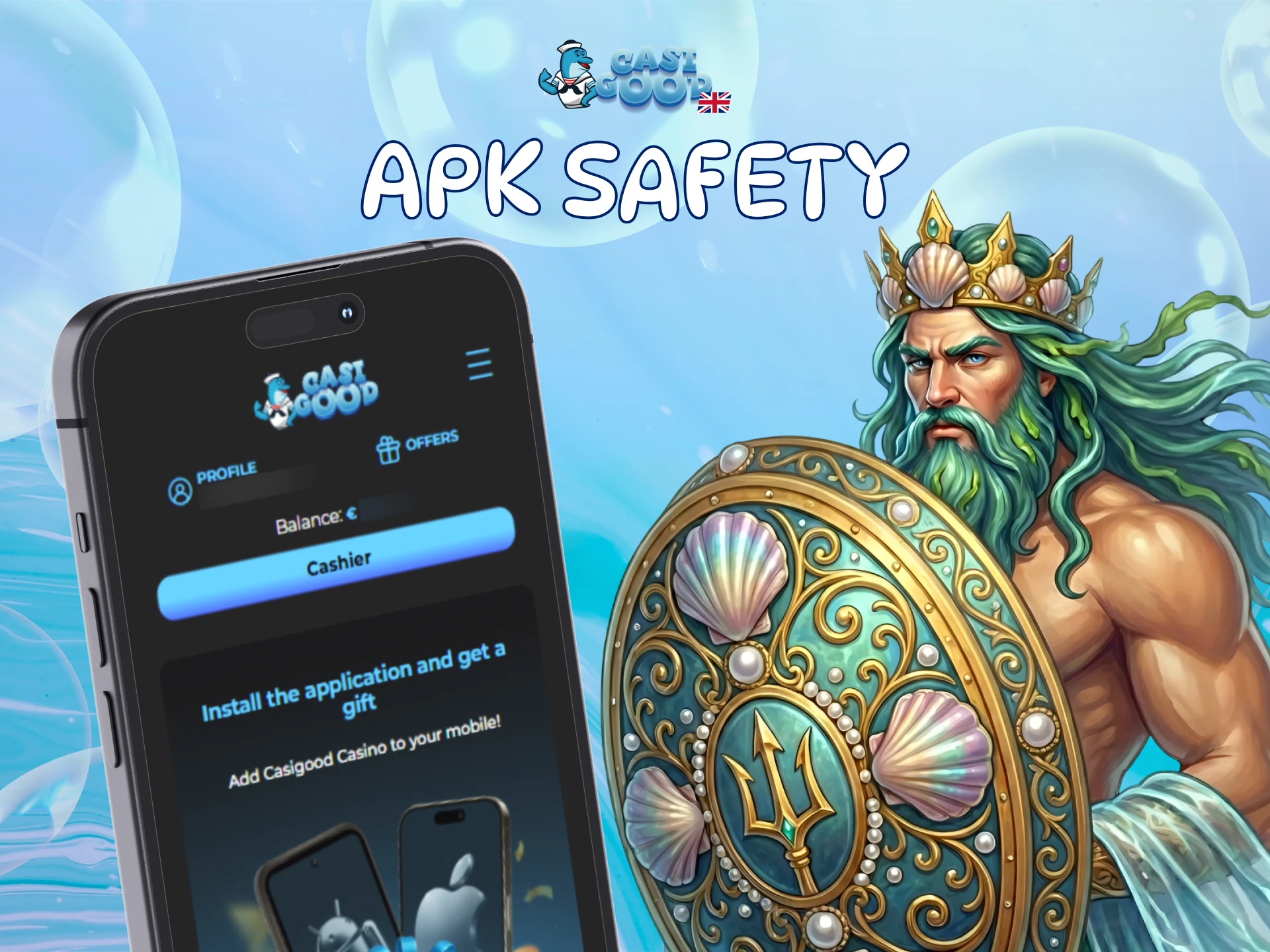
Browser mode removes the most common mobile risk, which is installing a file from an unofficial source. There is no Casigood APK in circulation to verify, because the platform never distributes one.
Traffic between your device and the platform is protected by SSL certificates, and personal data, payment details and bet history are handled under the site privacy rules. Identity checks apply before larger payouts, and support can apply deposit limits or a self exclusion period on request.
FAQ
Is there a Casigood app to download?
No. All games run in browser mode, so there is no APK file and no App Store listing. You open the site on your phone and play straight away.
How do you get a Casigood icon on your phone?
On iPhone open the site in Safari, tap Share and choose Add to Home Screen. On Android open it in Chrome, tap the three dot menu and choose Install app.
Do you need a separate account for mobile and desktop?
No. The same login works everywhere, and your balance, bets, bonus progress and verification status stay in sync.
How fast are withdrawals requested from a phone?
Every withdrawal request is reviewed within 24 to 36 hours regardless of the device, provided your documents are uploaded and your last deposit has been turned over three times.
Can you play on a tablet as well as a phone?
Yes. The site adapts to iPads and Android tablets, and the home screen shortcut works the same way there.
What should you do if a game will not load?
Refresh the page, clear the browser cache for the site and check your connection. If it still fails, contact online chat or write to [email protected].
Updated:
Comments