

How to Create Your Casigood Account
One account at Casi Good casino covers both the casino and the sportsbook, with deposits in EUR, welcome bonuses and entry to the Prizes Box lotteries. The form is short: an email, a password and an age confirmation, or one tap through a social account. Demo games open without registration, but real-money play needs an account. Players from the United Kingdom can sign up.
Today only! 475% on your first 3 deposits
Who Can Sign Up at Casigood
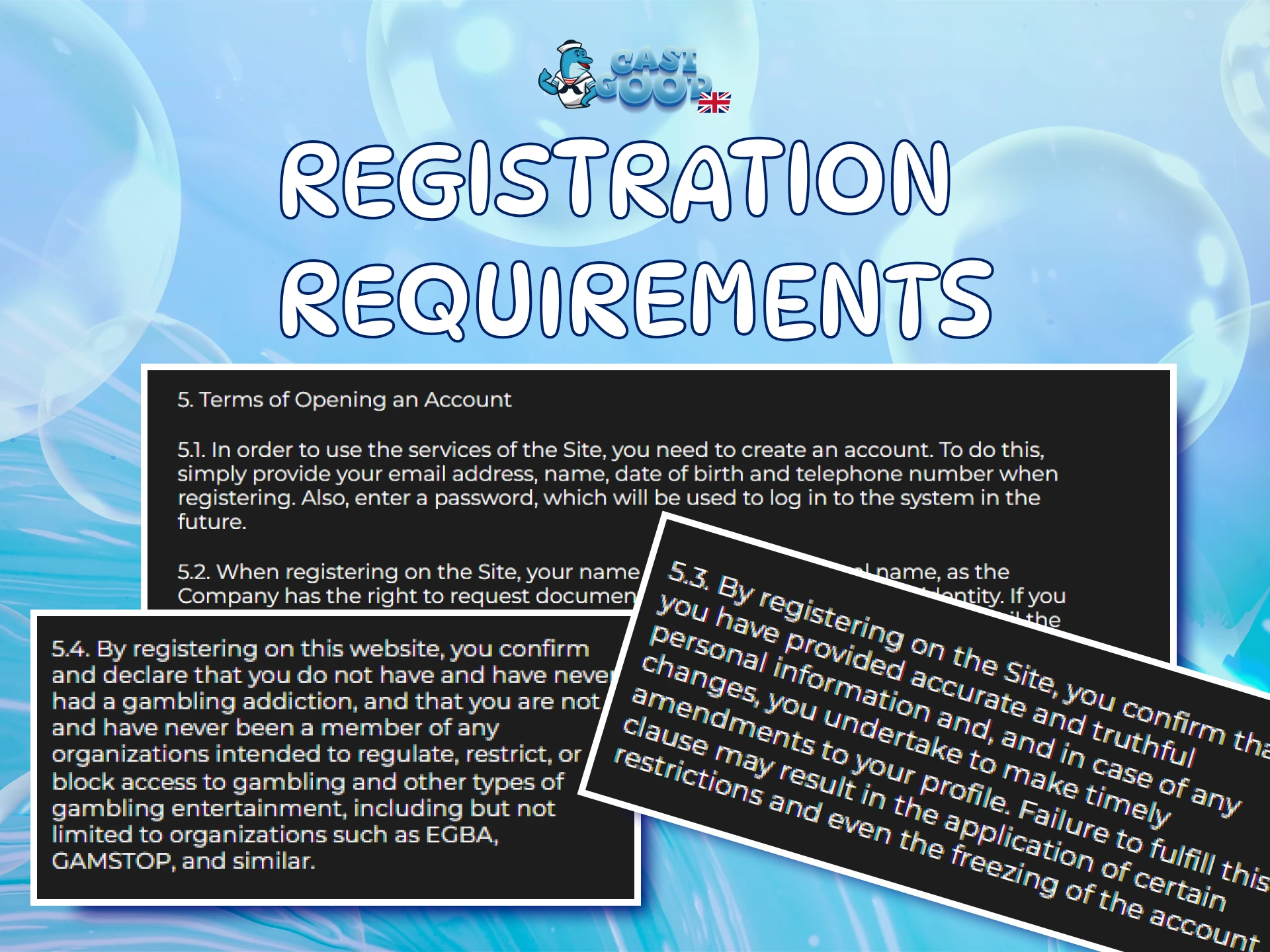
Check a few conditions before you open the form. They come from the Terms and Conditions, and breaking them can lead to a blocked account.
| Requirement | Details |
|---|---|
| Minimum age | 18+. Your age may be checked. |
| Accounts per person | One per person, IP address, device and phone number. Multiple accounts are blocked. |
| Countries where registration is prohibited | Netherlands, Ukraine, France, USA, Georgia, Spain and Italy. The United Kingdom is not on the list. |
| Personal details | Real data only: your documents are later checked against the profile. |
Casigood Sign-Up in Five Steps
Registration runs in a pop-up window. The form is the same on a computer and in a mobile browser, and there is nothing to download.
1
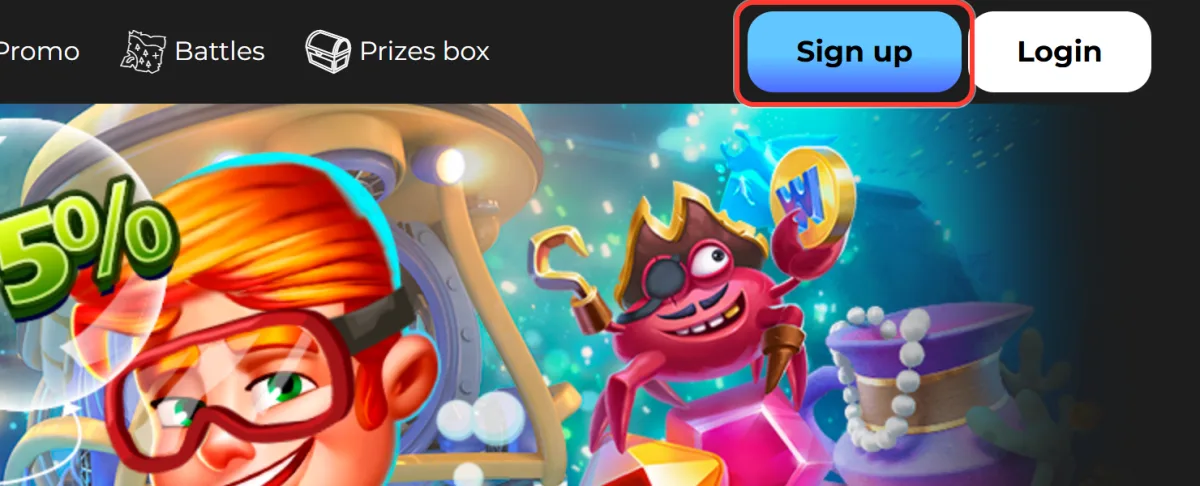
Press Sign up
Click the blue Sign up button in the top right corner. The Take and Play buttons on banners and game cards open the same window.
2
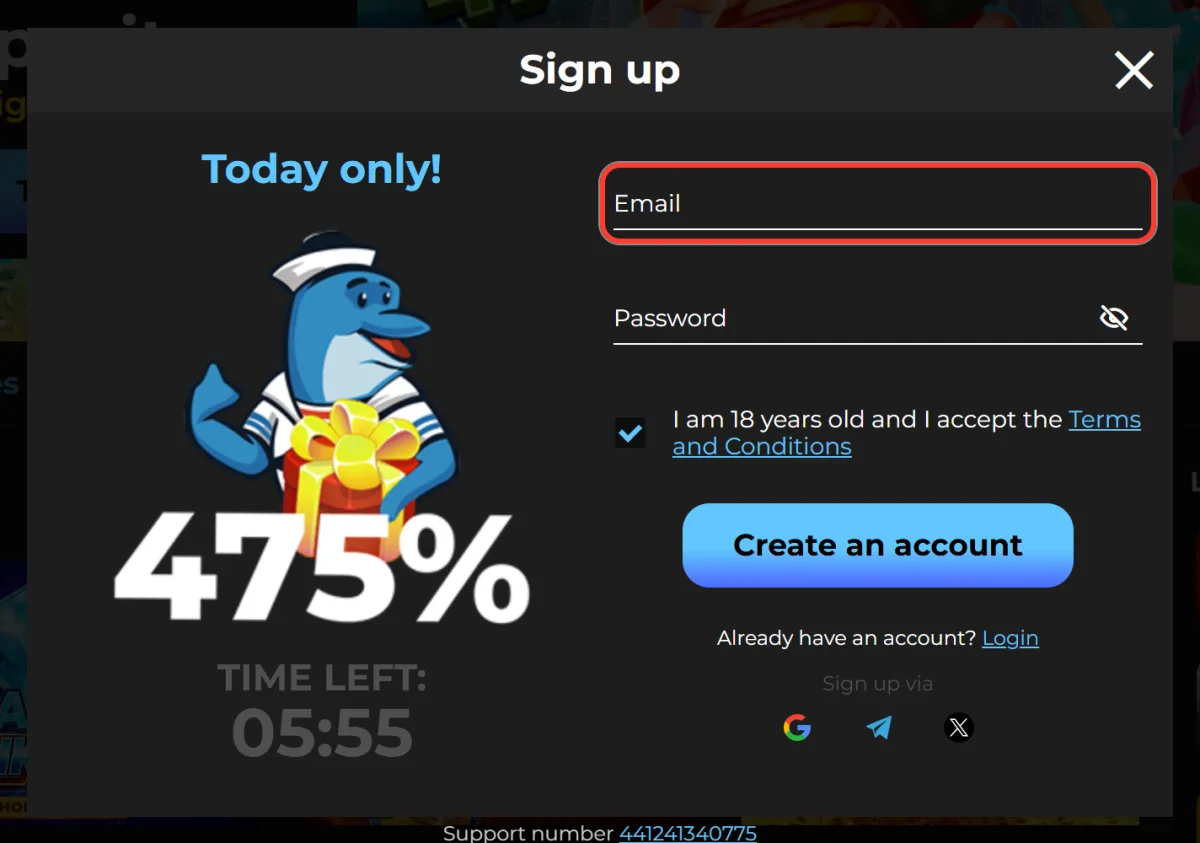
Enter your email
Type an address you can access into the Email field. The confirmation letter will be sent there.
3
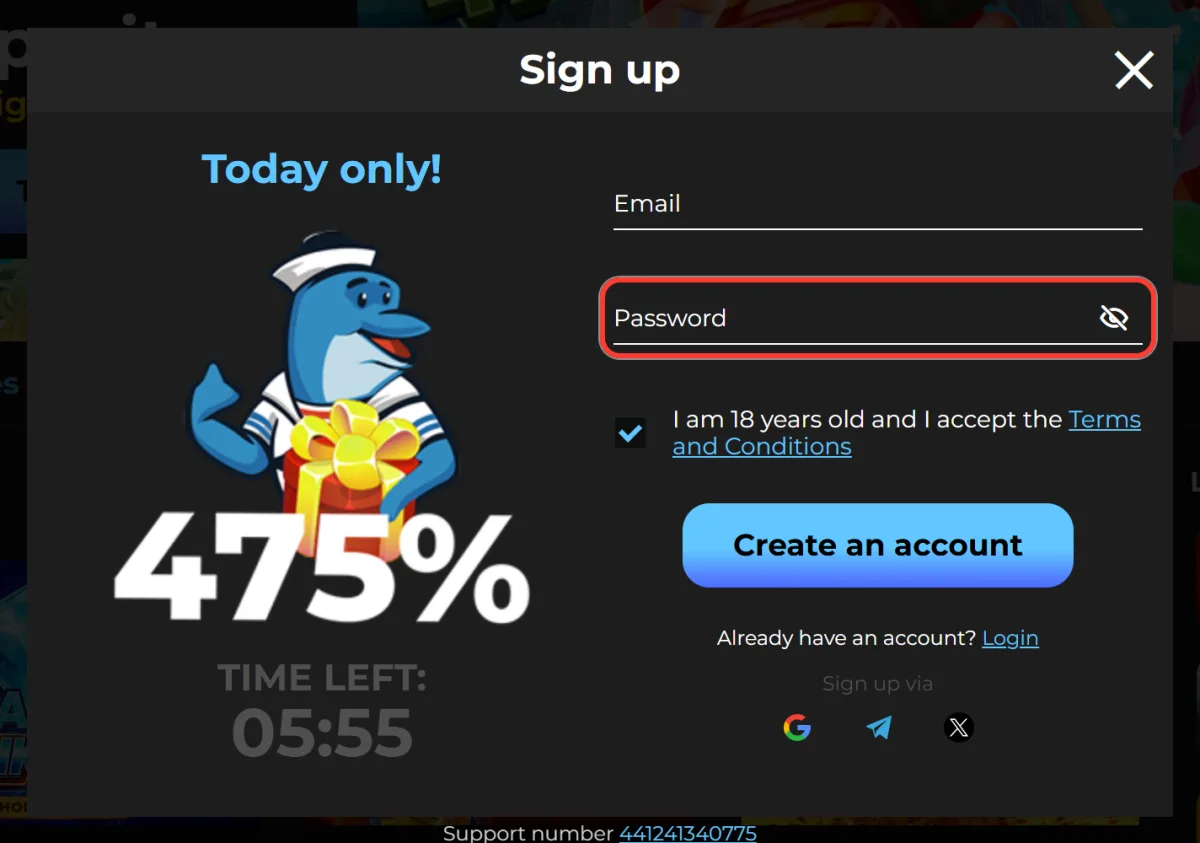
Create a password
In the Password field, choose 6 to 32 characters. The eye icon on the right shows what you have typed.
4
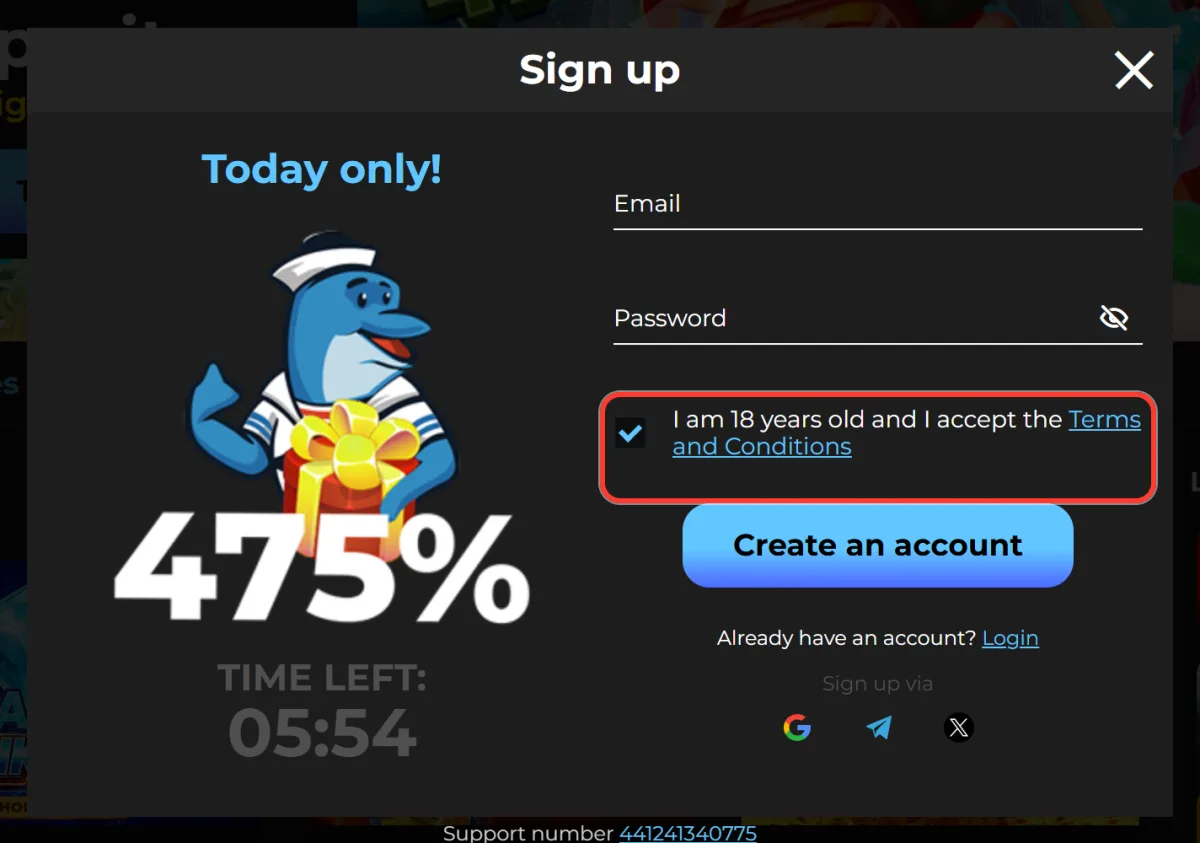
Check the age box
The box "I am 18 years old and I accept the Terms and Conditions" is ticked by default. Leave it on: registration does not go through without it.
5
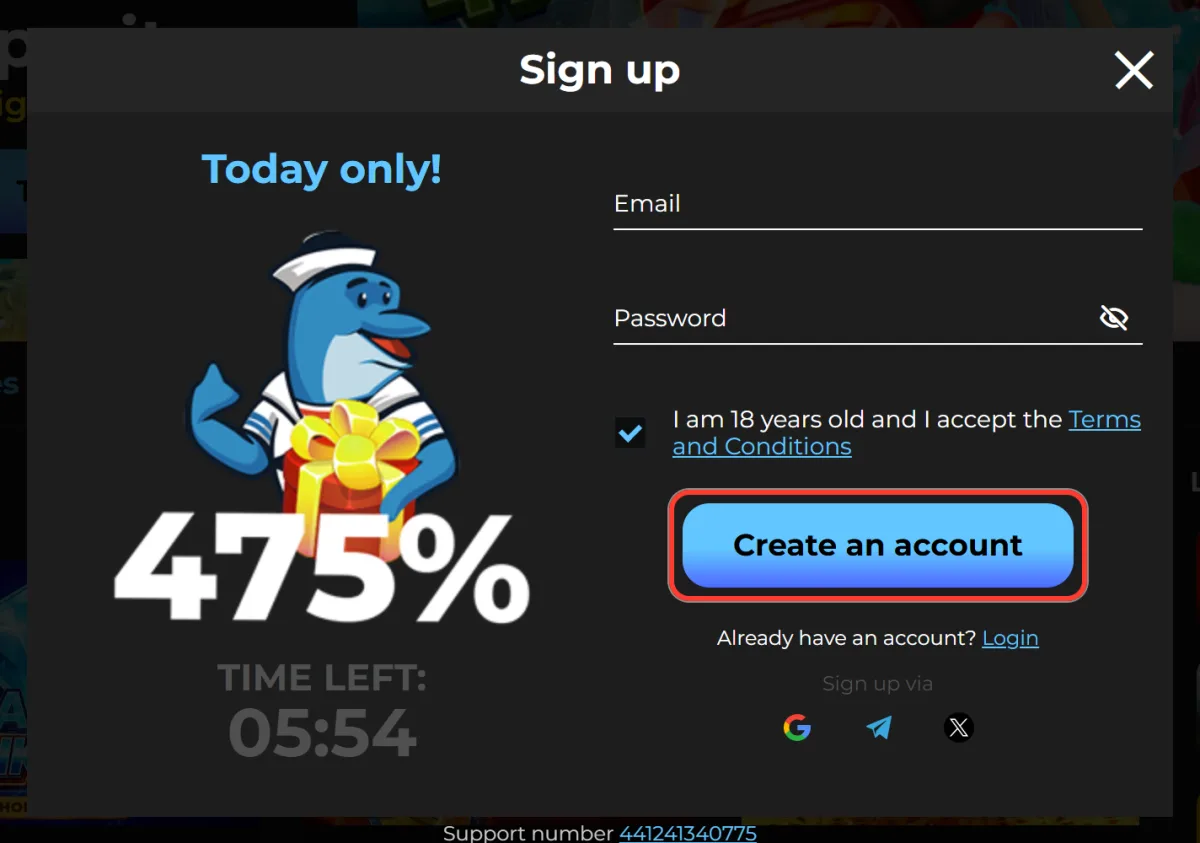
Create an account
Press Create an account to finish, then open your profile to add your details.
Already registered? Use the "Already have an account? Login" link at the bottom of the window instead.
One-Tap Sign-Up via Google, Telegram or X
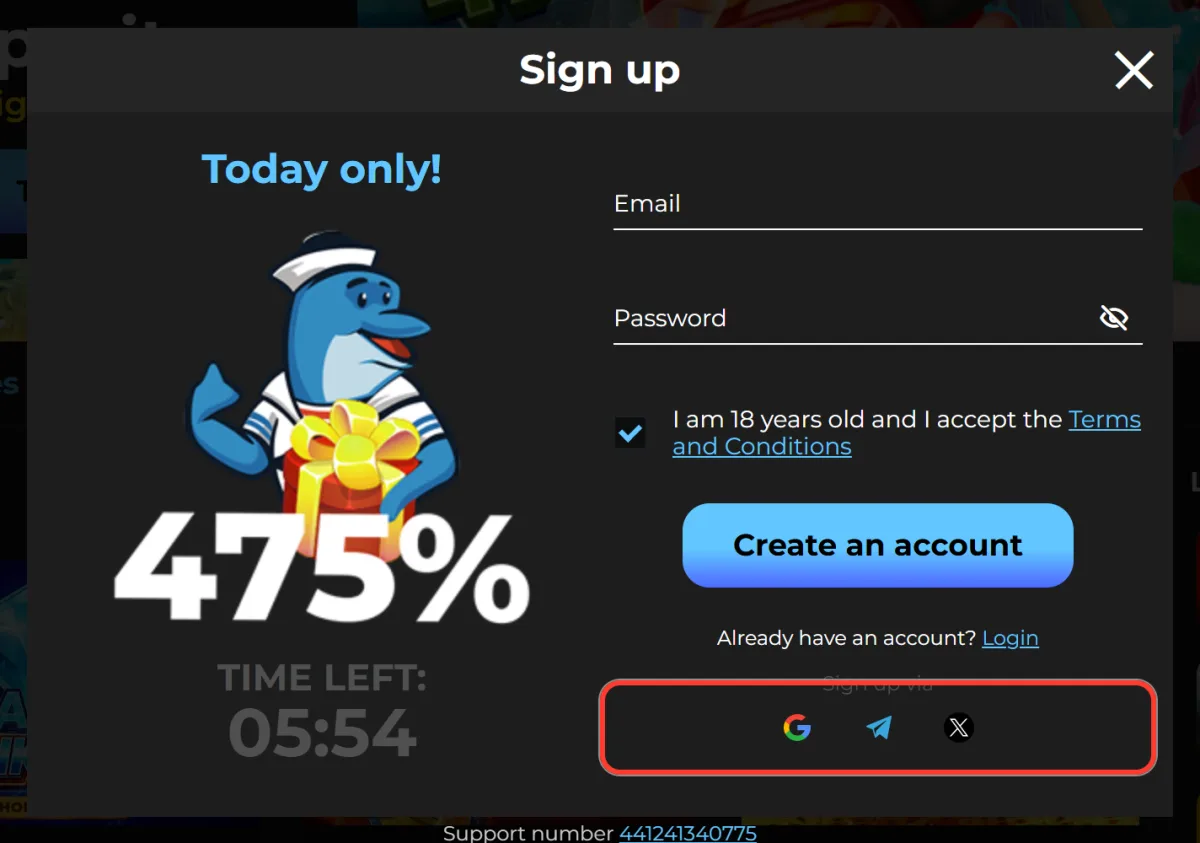
Below the form, the Sign up via block creates an account in one click through Google, Telegram or X (Twitter). You do not type an email or a password into the form. Pick one method and stick to it, so every later sign-in opens the same account. The 18+ checkbox and the Terms and Conditions apply to this route too.
Verifying Your Account After Registration
Right after sign-up, open your profile, fill in your name, date of birth and phone number, then confirm your email and phone. Without confirmed contacts you cannot create a withdrawal request. Identity documents are required for withdrawals from $1,000 and may be requested earlier. Do it now, so your first payout does not wait.
Confirming Your Email and Phone Number
Both checks start in your profile. To confirm your email:
- Open your profile.
- Press Confirm email.
- Follow the link in the letter.
To confirm your phone number:
- Enter your number in the profile.
- Press Confirm number.
- Type the code from the SMS.
- Press Confirm.
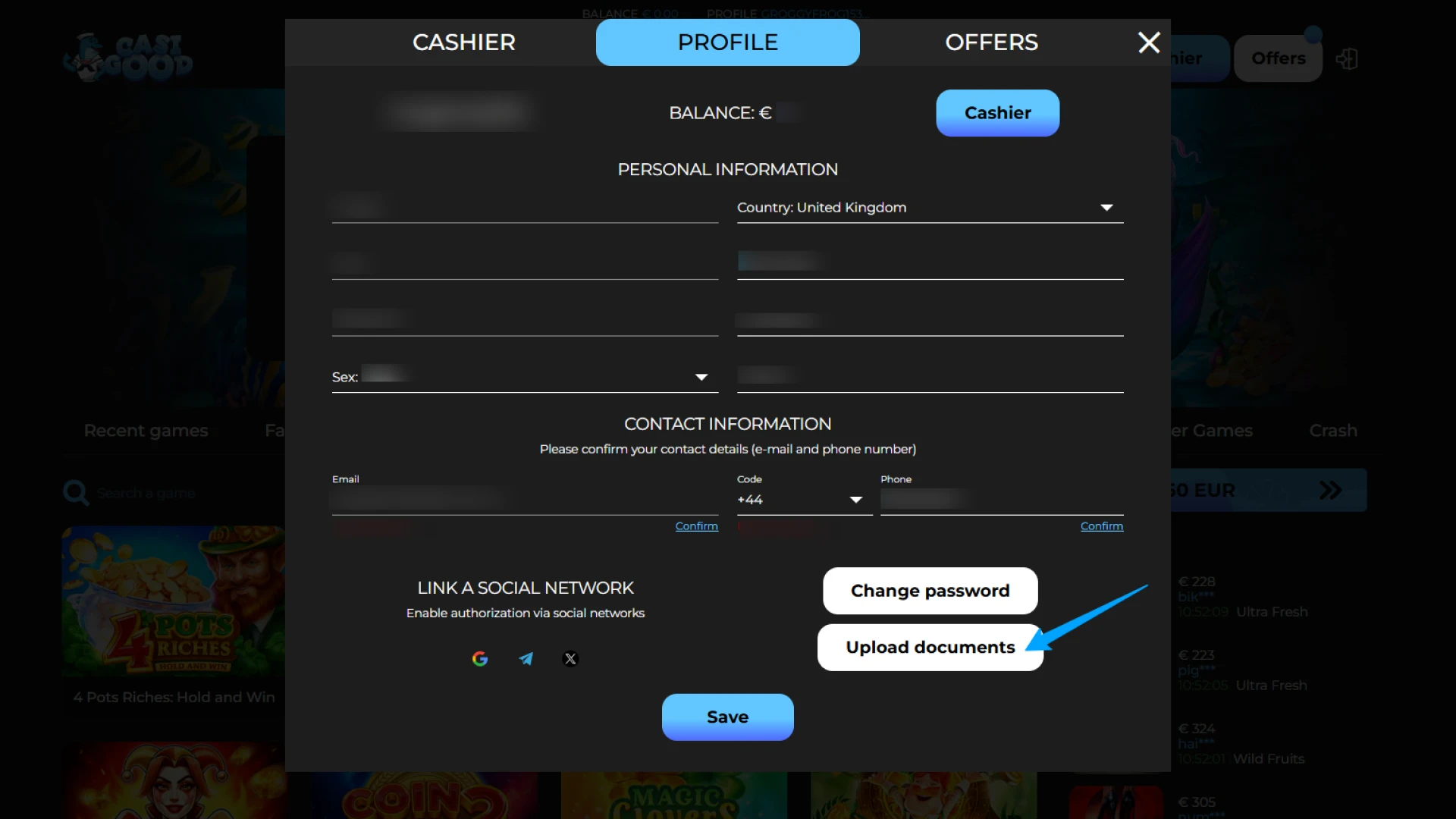
Documents for Identity Checks
Checks cover who you are, where you live and the card you pay with. Every document must match your profile.
Identity document
Passport, national ID card or driving licence showing full name, date of birth, series and number, issue and expiry dates.
Selfie with document
You may be asked for a selfie with the same document.
Proof of address
Bank statement, utility bill or government letter, no older than 6 months.
Bank card
Both sides of your Visa or Mastercard: first 6 and last 4 digits, name and expiry date visible, CVV covered. Virtual card: banking app screenshots.
Welcome Offer for New Players
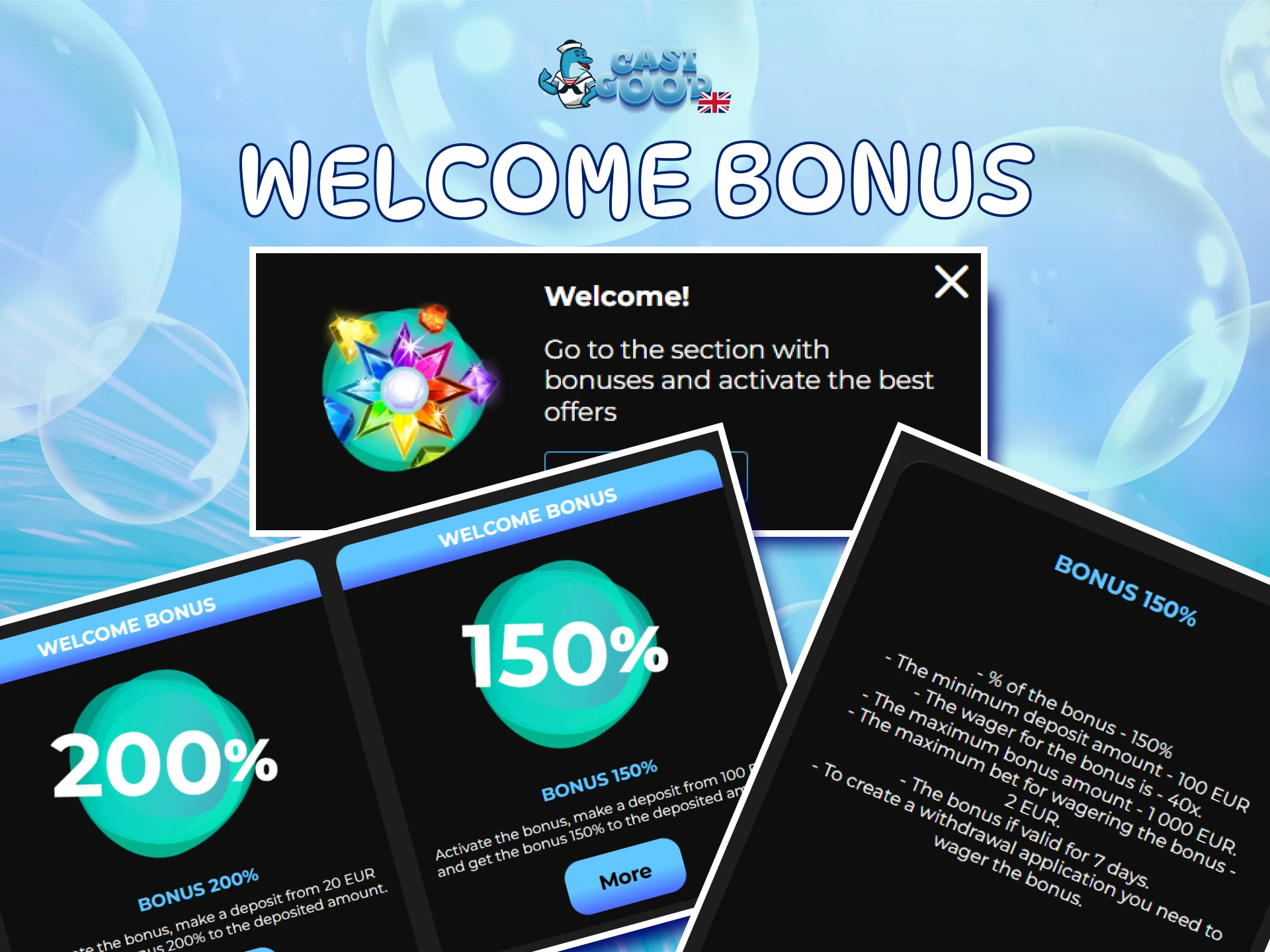
The sign-up window shows "Today only! 475%" with a TIME LEFT timer: the sum of three first-deposit bonuses. A separate Sport Bonus gives 200% from €40.
Key rule: activate the bonus before you top up, or it will not be credited. Wagering is x40 within 7 days. Full terms of the welcome bonus are on the bonuses page.
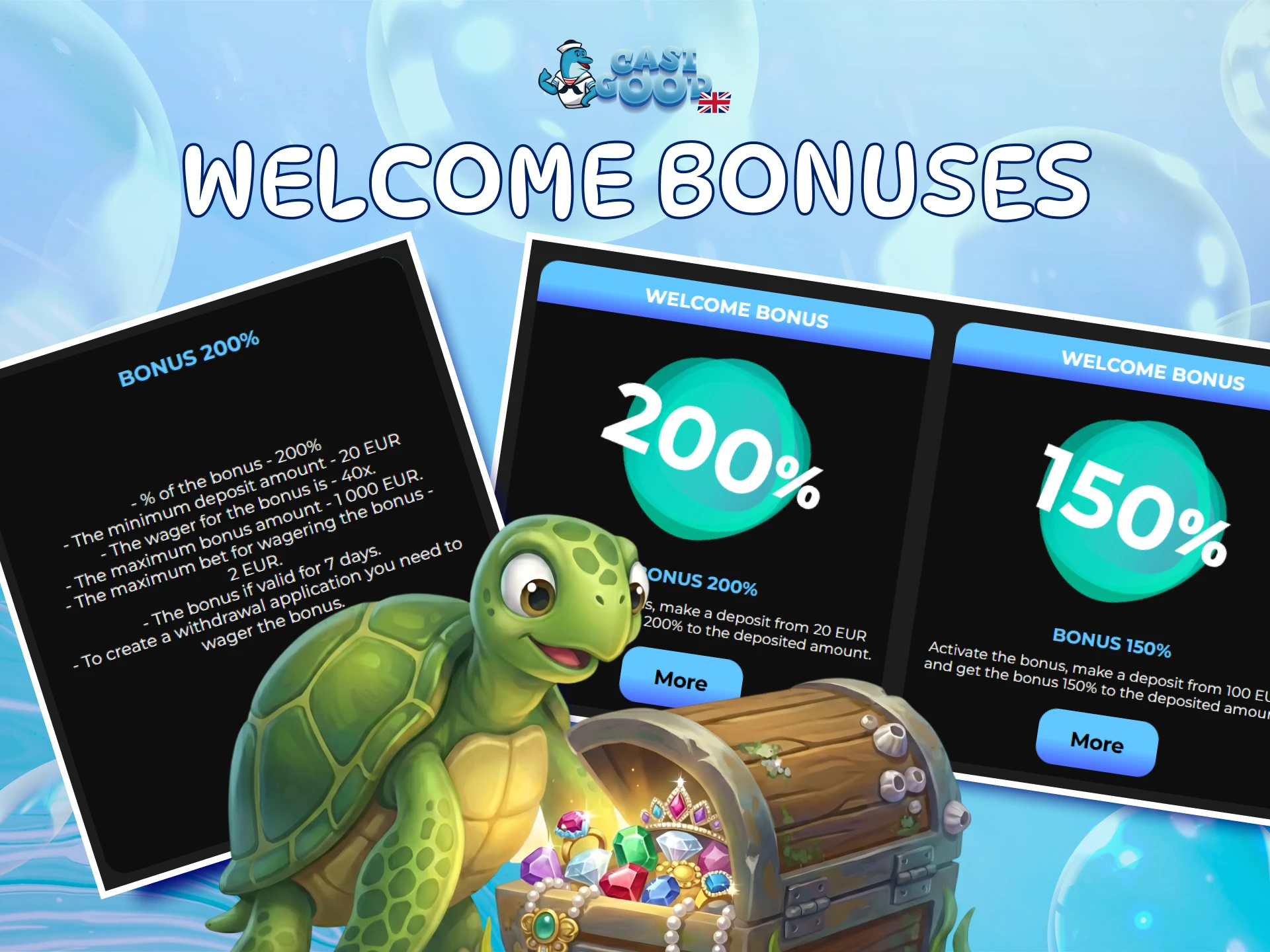
1st deposit
200% from €20
Max bonus €1,000.

2nd deposit
150% from €100
Max bonus €1,000.
3rd deposit
125% from €200
Max bonus €1,000.
Top Games to Try After Sign-Up
Most played titles from the Top Games tab. Many of them also open in demo mode.

Burning Hot

Hot Choice Deluxe

Hot Choice
Coin Up: Lightning
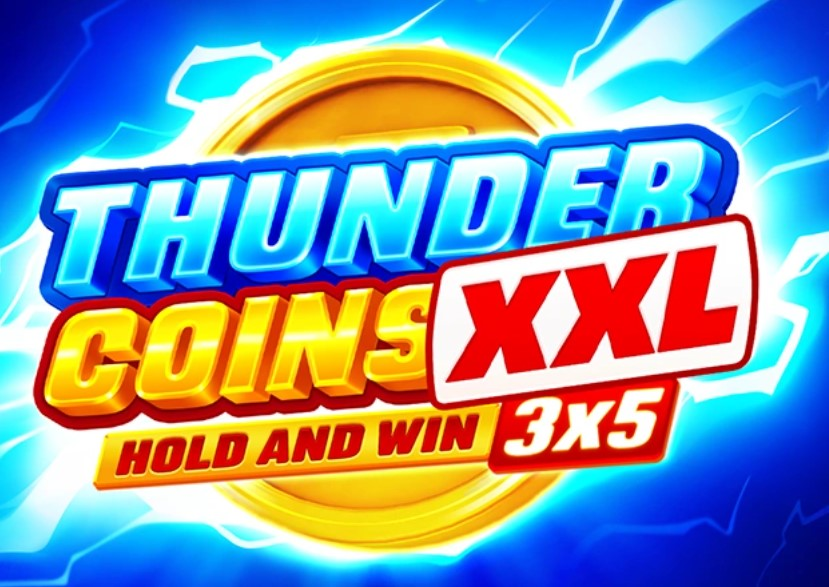
Thunder Coins XXL

Coin UP

Diamond Strike
Sign-Up Errors and Common Problems
Most sign-up problems take a minute to fix. Find yours in the table below.
| Problem | What to do |
|---|---|
| "Required field" under a field | Fill in the empty field. |
| "Wrong email format" | Check the address for typos. |
| Password not accepted | Use 6 to 32 characters. |
| Form does not submit | Make sure the 18+ and Terms and Conditions box is ticked. |
| Email already registered | You probably have an account already. A second one is not allowed, so log in to Casigood instead. |
| No confirmation email | Check your Spam folder. |
| No SMS with the code | Check the number and press Resend SMS. |
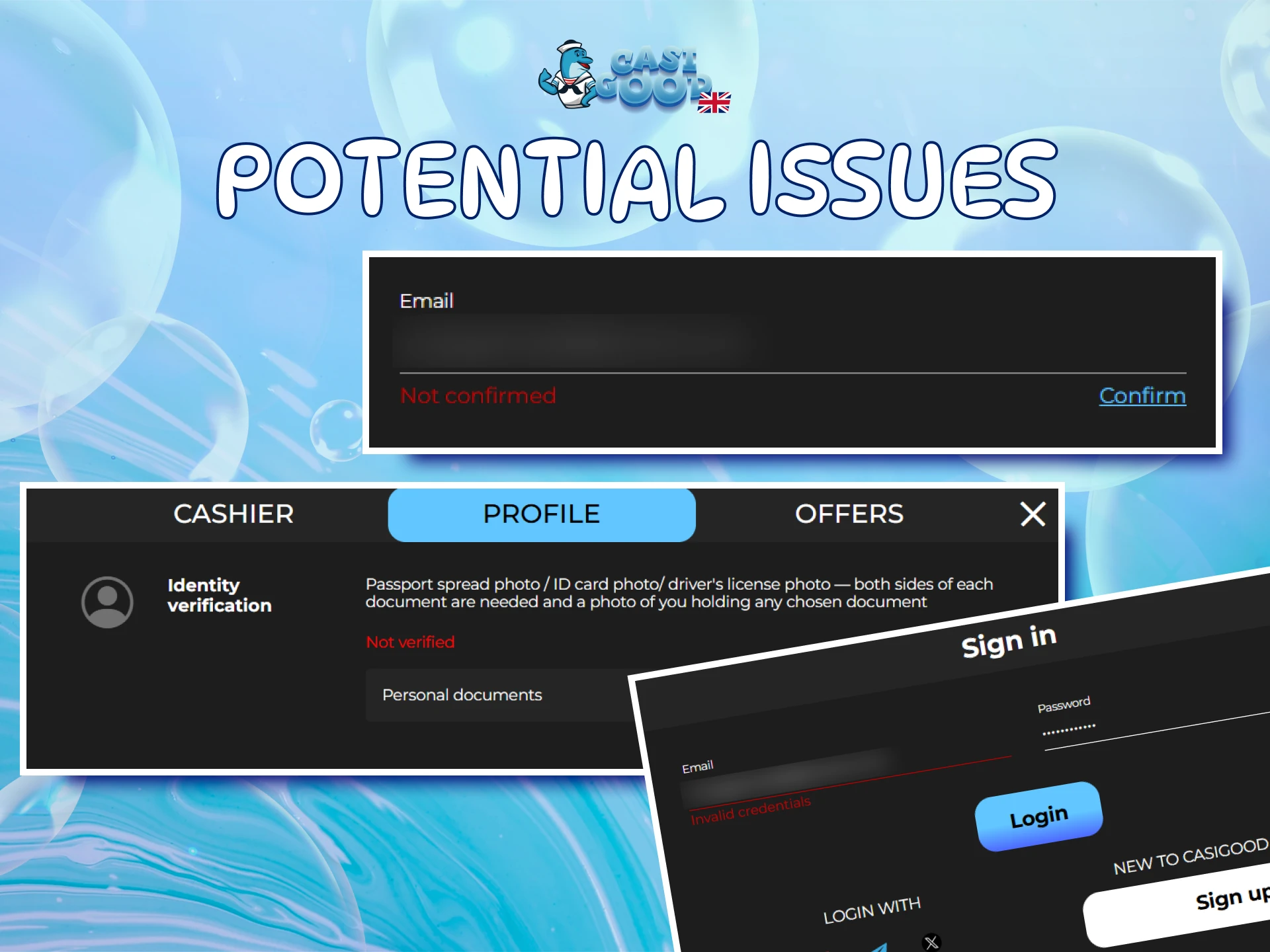
| Wrong email or phone in the profile | You cannot change it yourself. Ask support in Online Chat. |
Frequently Asked Questions About Registration
What details do you need to sign up at Casigood?
Only an email address, a password of 6 to 32 characters and the 18+ and Terms and Conditions confirmation. Your name, date of birth and phone number go into the profile after registration.
Can you register with a Google, Telegram or X account?
Yes. The Sign up via block in the registration window creates an account in one click through Google, Telegram or X. Use the same method every time you sign in.
Do you have to verify your account straight after signing up?
Confirmed email and phone are required before you can request a withdrawal. Documents are checked for withdrawals from $1,000 and may be requested earlier, so it makes sense to finish verification early.
Can you open a second Casigood account?
No. The rules allow one account per person, IP address, device and phone number. Duplicate accounts are blocked, so if you have registered before, sign in to your existing profile.
Can you change your email or phone number after registration?
Not on your own. Changes to your name, email or phone go through support: write to the team in Online Chat or at [email protected].
What currency does a Casigood account use?
Accounts run in euros. Deposits and bonuses are shown in EUR, and the welcome offer starts from a €20 first deposit.
Can UK players register at Casigood?
Yes. The United Kingdom is not on the list of countries where registration is prohibited. You must be 18 or older and use your real details. Press Sign up to open the form.
Gambling Responsibly From Your First Deposit
When you register, you confirm that you are not part of any self-exclusion programme, such as GAMSTOP (section 5.4 of the Terms and Conditions). Set a budget before your first deposit and treat play as entertainment, not a way to earn money.
The Responsible Gaming page has a 13-question self-test and contacts for BeGambleAware, GamCare and Gamblers Anonymous. It also lists two filter programs, Net Nanny and GamBlock.
Updated: